
How to Make a Shared Album on iPhone
Step-by-step guide to creating shared albums on iPhone. Plus, why shared albums fall short for preserving family memories long-term — and what to use instead.
Patrick Moore, Founder • March 29, 2026

You want to share photos with your family without texting them one by one. A shared album on iPhone is the fastest way to do it. Here's exactly how to set one up in under two minutes.
How to Create a Shared Album on iPhone
Here's the whole process, start to finish:
- Open the Photos app on your iPhone. Tap the Albums tab at the bottom.
- Tap the + button in the top left corner. Select "New Shared Album" from the menu.
- Name it and invite people. Give your album a name (something like "Family Photos 2026"). Add people by typing their name, phone number, or email. They'll need an iCloud account to join.
- Add photos. Tap the album, then tap the + icon to add photos and videos from your library. Everyone you invited can view and add their own.
That's it. Your shared album is live. Everyone gets a notification and can start viewing and contributing.
Quick Settings to Know
Before you start adding photos, tap the album name, then tap "People" to adjust these:
Subscribers Can Post
Public Website
The Strengths of iPhone Shared Albums
Credit where it's due. Shared albums are genuinely useful for certain things.
Free
No Cost
Shared albums don't count against your iCloud storage
5,000
Photo Limit
Each shared album holds up to 5,000 photos and videos
100
People Limit
You can invite up to 100 people per album
They're fast, free, and already on your phone. For sharing vacation photos or a birthday party, they work perfectly. No app to download, no account to create, no subscription to pay for.
If all you need is a place to dump photos from last weekend, stop here. A shared album is the right tool.
But if you're trying to do something bigger -- if you're trying to preserve your family's story, not just your family's photos -- keep reading.
The Problem Nobody Talks About
Here's what happens to most shared albums: they fill up with hundreds of photos, nobody remembers which album has what, and five years later you're scrolling through a wall of unnamed images trying to remember why you took any of them.
Shared albums store photos. They don't preserve memories.
There's a difference.
A shared album is a container. A family archive is a narrative. One stores images. The other preserves the story behind them.
5 Reasons Shared Albums Aren't Built for Family Legacy
1. No Stories, No Context
A photo of your grandmother sitting at a kitchen table is just a photo. Without the story -- that it was taken the morning she told you about leaving her home country, that the cup she's holding was a gift from her mother -- it's just an image that'll mean nothing to your grandchildren.
Shared albums have no place to write the story. No place to explain why a photo matters. No place to record the voice of the person in the picture telling you what they remember.
As we explored in The Photographic Paradox, taking photos without adding context can actually weaken your memory of the moment.
2. No Organization Over Time
After a year, a shared album becomes an endless scroll of photos with no structure. No timeline view, no way to organize by family member, no categories, no calendar view. Finding a specific photo from three years ago means scrolling forever. This is exactly why we built the Timeline as a living storybook -- chronological context is what turns photos into memories.
3. Locked to Apple
Shared albums require iCloud. If half your family uses Android, they're locked out -- or limited to viewing a public link without the ability to contribute. A family archive should work for everyone, regardless of what phone they carry.
4. No Privacy Controls
You can invite people to a shared album, but you can't control what they see. Everyone sees everything. There's no way to keep certain memories private, no way to have a personal Legacy section for deeper reflections that only you can access unless you choose to share them.
5. No Guarantee of Permanence
Apple could change how shared albums work tomorrow. They could limit storage, change sharing rules, or kill the feature entirely. Your family's memories shouldn't depend on a single company's product roadmap. And it's not hypothetical -- as we covered in Digital vs. Physical Memory Books, platforms shut down, formats change, and content disappears.
The Core Problem
Shared albums are built for sharing photos right now. They're not built for preserving your family's story for the next 50 years. The question isn't whether shared albums are useful -- they are. The question is whether they're enough.
The Alternative: A Purpose-Built Family Archive
Picture something different. Instead of a folder of unnamed photos, imagine a timeline where every memory has a title, a story, tagged family members, and optionally a voice recording of someone telling you what happened.
Imagine searching "Grandma's kitchen" and instantly finding every memory connected to that place -- the photos, the stories, the voice recordings, all organized chronologically.
Imagine 50 guided prompts that help you capture the stories nobody thinks to ask about until it's too late. Not just "what happened at your wedding" but deeper questions like "what do you wish people understood about your childhood?"
That's what a dedicated family archive does. It turns a pile of photos into a living, searchable, permanent record of your family's story.
Timeline
Family Profiles
Voice Recording
Legacy Prompts
AI Search
Private by Design
The Simple Rule
Use a shared album when you want to quickly share photos from an event.
Use a family archive when you want those photos to still mean something in 20 years.
One specific event deserves its own playbook: weddings. Every guest has photos in their pocket and most never reach the couple. iCloud Shared Albums work for an all-iPhone guest list, but they fail the moment a single Android cousin tries to upload. Here's the day-of guide for collecting wedding photos from guests without Facebook — with honest reviews of WedShoots, The Guest, and Joy.
Both have a place. But if you're reading this, you're probably thinking about something bigger than sharing last weekend's photos. You're thinking about preservation. About legacy. About making sure your family's story doesn't disappear.
Start With One Memory
You don't have to choose between a shared album and a family archive. Use both. But for the stories that really matter -- the ones you want your grandchildren to have -- start building your family archive today. One memory. One story. One voice recording. That's all it takes to begin.
Try Memory Murals Free for 7 Days
Memory Murals is a private family archive for stories, photos, and voice recordings. One person preserves the story, the whole family gets to keep it. Start your free trial -- no credit card required. Get started today.
About the author
Patrick Moore, Founder of Memory Murals
Patrick Moore is the founder of Memory Murals. He built it after realizing how much of his own family's history had quietly slipped away — to help families preserve their stories, voices, and photos while they still can.
Related Stories

Comparisons
The Best Private Family Photo Sharing Apps in 2026 (Honest Facebook Alternatives)
Most families already know they want off Facebook. The real question is where to go. We compared the 8 most popular private family photo sharing apps — honestly, with the tradeoffs that actually matter.
Patrick Moore • April 10, 2026
Comparisons
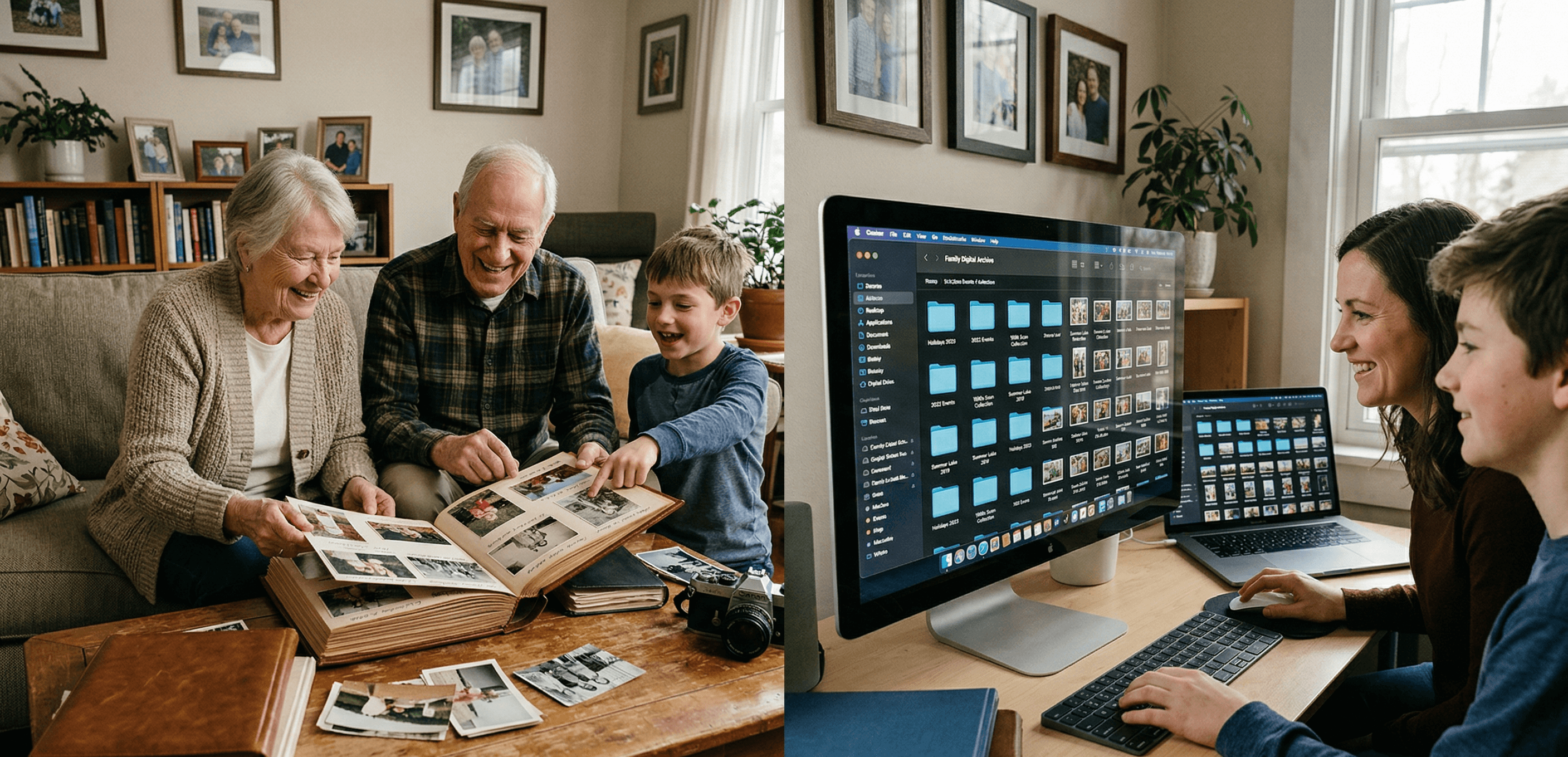
Digital Family Archive vs Photo Albums: Why the Shoebox Under Your Bed Isn't Enough Anymore
Your family photos are fading, your stories are unrecorded, and your kids can't find anything. Here's why a digital family archive does what photo albums never could — and how to build one without losing what makes physical keepsakes special.
Patrick Moore • April 3, 2026

Comparisons
We Tested 11 Family Archive Apps — Here's What Actually Works (2026)
Most family archive apps fall into two traps: they're either too clinical or too focused on death. We tested everything from AI biographers to memorial sites to find what actually works for living families.
Patrick Moore • April 13, 2026