
We Tested 11 Family Archive Apps
Most family archive apps fall into two traps: they're either too clinical or too focused on death. We tested everything from AI biographers to memorial sites to find what actually works for living families.
Patrick Moore, Founder • April 13, 2026

I have 47,000 photos on my phone. I can find any of them in seconds — by date, by face, by location.
But if you asked me to find the story behind any of them? The one about why my dad is making that face, or who the woman in the background is, or what happened ten minutes after the shutter clicked? Gone. Buried somewhere in my memory, getting fuzzier every year.
That's the digital shoe box problem. We're drowning in files and starving for stories.
So we went looking for the best apps that actually solve this — platforms that turn scattered photos, voice recordings, and half-remembered stories into something your family can hold onto for generations. We tested everything: private family vaults, memorial tribute sites, AI-powered biographers, and physical book services.
Here's what we found.
How we evaluated
We tested each platform for at least a week, focusing on: ease of use (especially for older family members), privacy controls, voice/audio support, organization and searchability, long-term preservation, and whether the experience felt like building a family legacy or filling out a form.
Not all "family archive" apps are solving the same problem
This was our biggest realization. The apps in this space fall into three very different camps, and confusing them is how people end up disappointed.
Understanding which camp an app belongs to saved us a lot of frustration. A memorial site isn't "bad" because it doesn't support daily memory-keeping — it was never built for that. And a book service isn't "limited" because you can't search it — it's a book.
The question is: what do you need?
If you're looking for a place your family uses regularly to preserve voices, photos, and stories while everyone's still here — that's Camp 1. And that's where we focused most of our testing.
The living archive apps (this is where it gets interesting)
These are the apps that aim to be a permanent, private digital home for your family's story. You use them while you're alive. You add to them over time. And ideally, they're still there decades from now.
What we looked for
Voice recording and transcription
Capture the cadence of a story, not just the words. Auto-transcription so you can search it later.
Photo and video support
A family story without the visual context is half a story. Originals preserved at full resolution.
Privacy by default
Invite-only, no public profiles, no algorithmic feeds. The archive should be a private room, not a stage.
Family member invitations
Shared with the people you choose, at the level of access you choose — not blasted to a "community."
Timeline or organizational structure
Chronological or thematic, not a file-folder mess. The archive should make sense to someone opening it for the first time.
Search that actually works
Full-text and semantic. A 10-year archive is only valuable if you can find what you put in it.
Easy enough for grandparents
Non-technical family members should be able to add memories without a tutorial.
Long-term data viability
Exportable, owned by you, not locked behind a subscription that can be cancelled out from under you.
What most apps got wrong
Too database-like
Feels like a spreadsheet, not a family space. Fields, dropdowns, taxonomies — the experience of a CRM, applied to your kids' first words.
Too social
Public by default, designed for community engagement, not private preservation. Family memories shouldn't have a like button.
Too complex
Requires a 20-minute tutorial before you can save a single memory. The activation cost is so high that the archive never gets started.
No voice support
Text-only, which misses the most powerful element of all — the actual sound of someone telling a story they've told a hundred times.
Memory Murals — The one that felt like home
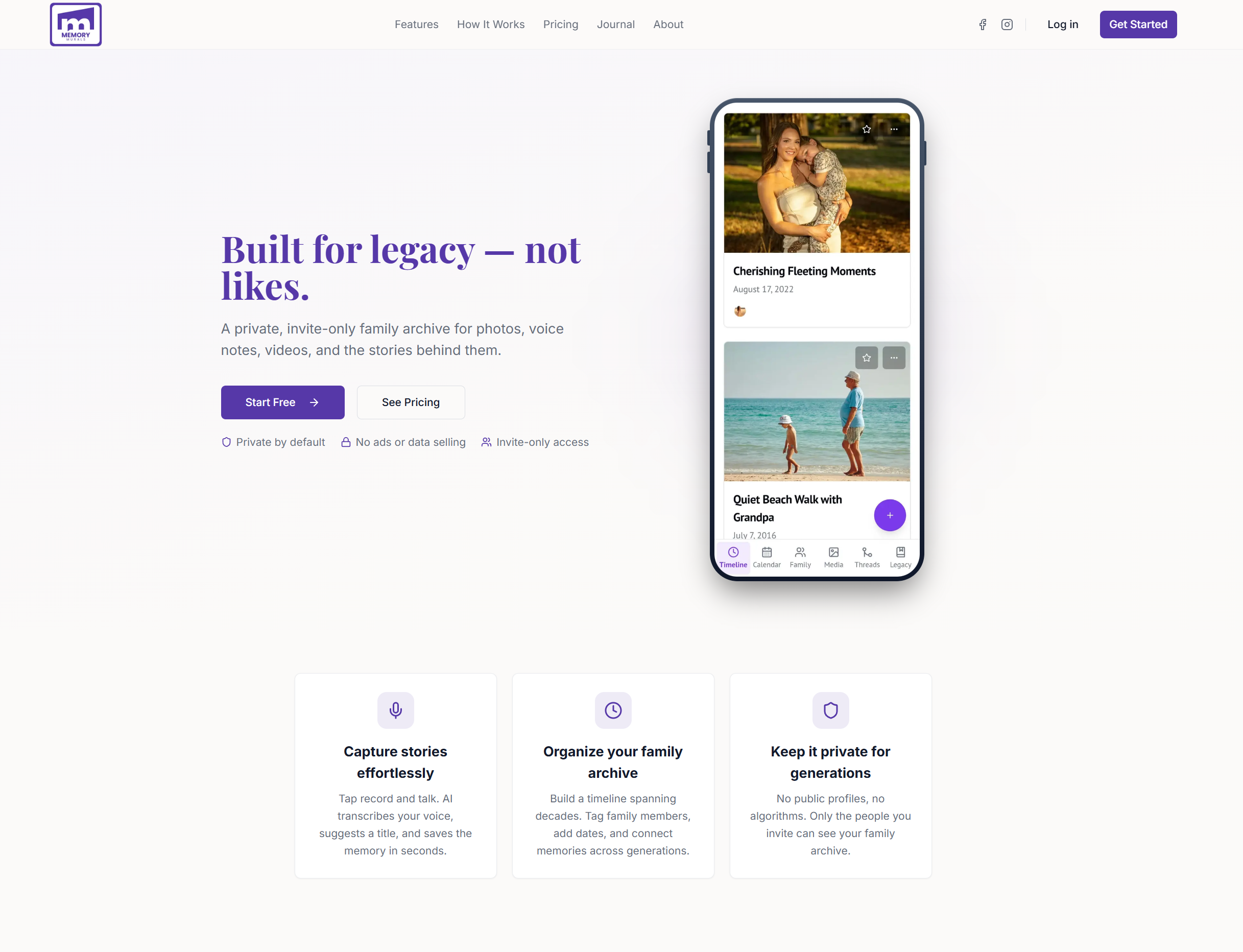
Best for: Families who want a private, visual, voice-first archive they actually use.
This is our product, so take this with whatever grain of salt you need. But here's why we built it the way we did: every other app we tested felt like either a file manager or a social network. Neither of those felt right for something as personal as your family's story.
Memory Murals treats your memories like a living timeline — not a feed, not a folder tree, not a photo grid. You record stories with your voice (AI transcribes automatically), tag the people involved, attach photos and documents, and everything gets organized chronologically. The Legacy section gives you 50 guided storytelling prompts for the deeper stuff — the kind of questions most families never think to ask until it's too late.
What makes it different: it's private by default (invite-only, no public profiles, no algorithms), it supports voice recording with AI transcription, and it's designed to be simple enough for grandparents to use without help. Events let you collect photos from weddings and reunions via QR code. Life Threads connect memories across people and decades.
Pricing: Free tier (unlimited memories with 1 GB storage cap). Premium at $12.99/month or $99.99/year. 7-day free trial.
Life's Time Capsule — The secure vault approach
Best for: People who prioritize security and long-term storage above all else.
Life's Time Capsule positions itself as a "digital heirloom" vault — a secure repository for photos, videos, audio, and journal entries. It's stored on enterprise-grade cloud infrastructure and emphasizes long-term preservation.
The security focus is genuine and the storage is solid. But the experience feels more like a secure file locker than a family gathering space. There's less emphasis on storytelling flow and more on making sure your files survive. If your primary concern is "will this exist in 30 years?" it's worth looking at. If you want something your family will actually open on a Tuesday evening, it might feel too clinical.
Pricing: Varies by storage tier.
Remento — Turn voice into a physical book
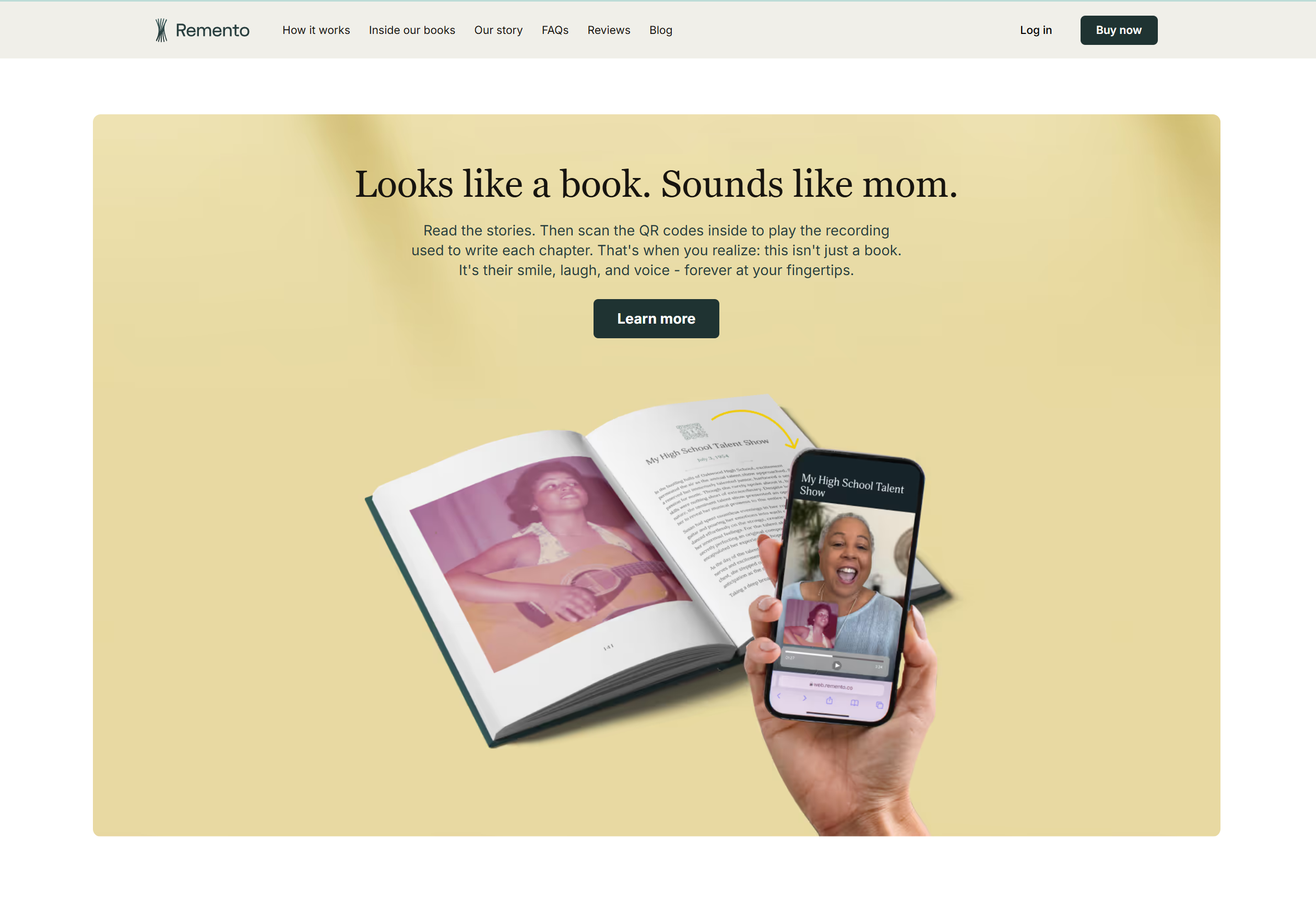
Best for: Creating a one-time keepsake book from recorded stories. Excellent as a gift.
Remento was on Shark Tank and does something genuinely clever: you record voice answers to weekly prompts, and their "Speech-to-Story" AI converts them into written chapters. At the end, you get a printed hardcover book with QR codes that link back to the original voice recordings.
It's a beautiful product. The limitation is structural: it's designed to produce a book, not to be a living archive. Once the book is printed, you can't search it, update it, add new family members to it, or reorganize it. It's a snapshot in time — a really nice one — but not a system your family grows with year after year.
Pricing: $99/year or $12/month (includes one book printing). Additional books $69–$99.
StoryWorth — The original question-and-answer approach

Best for: Getting a parent or grandparent to write their life story through weekly prompts.
StoryWorth sends one question per week to a family member, they write their answer (text only — no voice), and at the end of the year, everything gets compiled into a hardcover book. It's been around for years and has strong brand recognition.
The format works if your family member likes writing. Many don't. And without voice support, you lose the thing that makes family stories actually feel alive — the sound of their voice telling it. It's also primarily a one-year subscription that produces one book, rather than an ongoing archive.
Pricing: $59–$199/year, one hardcover book included ($59 Basic is black-and-white; the $109 Color tier adds full-color pages and voice answers).
Autobiographer — The AI biographer
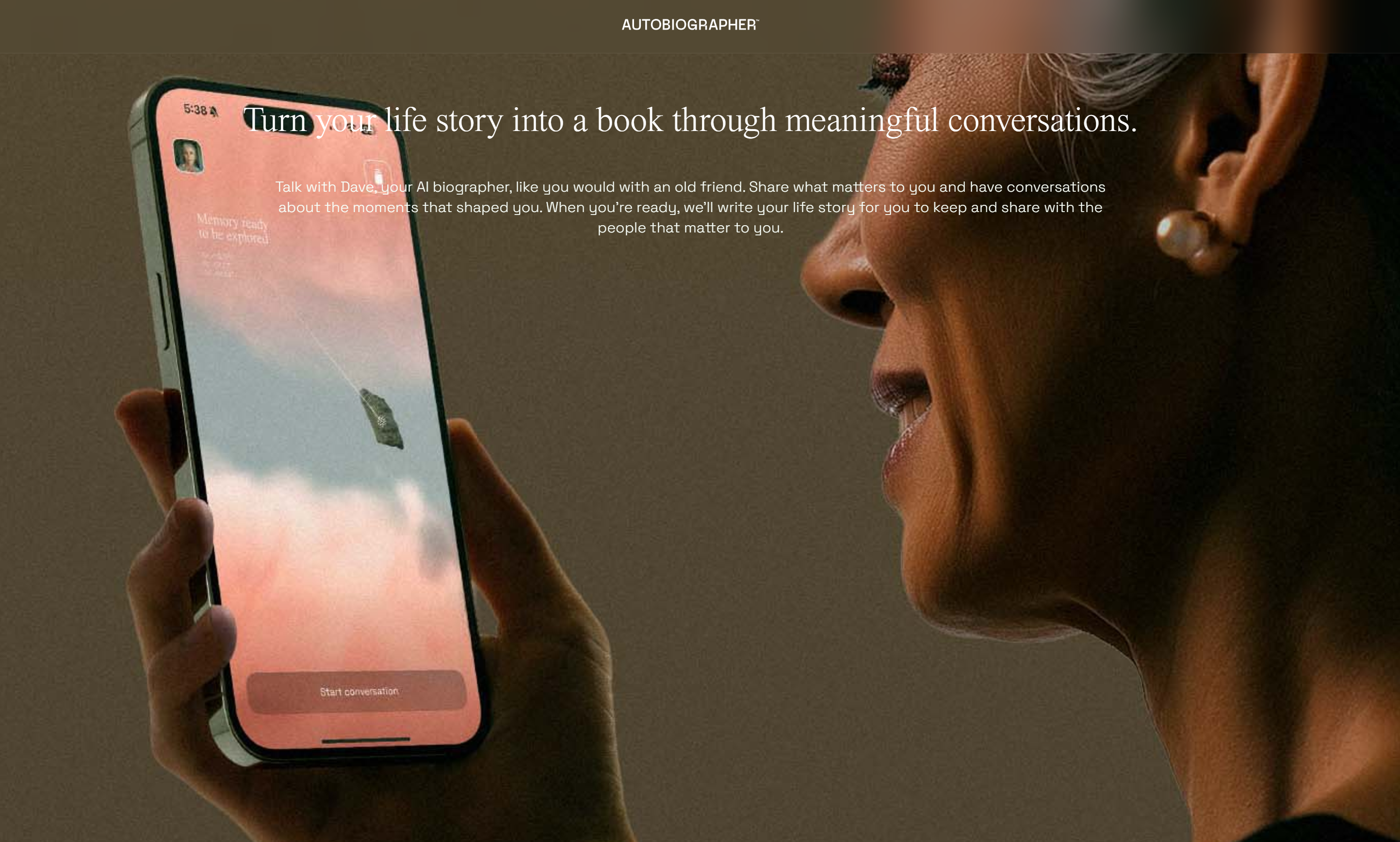
Best for: People who want an AI conversation partner to help them write their life story.
Autobiographer made headlines when it partnered with Katie Couric and launched as the first generative AI storytelling app. The concept: you have ongoing conversations with an AI biographer (powered by Anthropic's Claude), and it gradually builds your autobiography from your answers. At the end, you get a PDF or printable book.
The AI conversation approach is genuinely engaging — it feels more natural than filling out forms, and the AI asks follow-up questions that a human interviewer might miss. Your stories are stored in an encrypted "Memory Vault" with biometric protection.
The limitation: it's a solo experience between you and an AI, not a family collaboration tool. There's no family member tagging, no shared timeline, no event sharing, no way for your daughter to add her perspective to the same story. And the output is a finished document (PDF/book), not a searchable, living archive you add to over decades. It's excellent for producing a polished autobiography. Less suited for building an ongoing family memory system.
Pricing: $99/year or $16/month.
Airloom — The heirloom cataloger
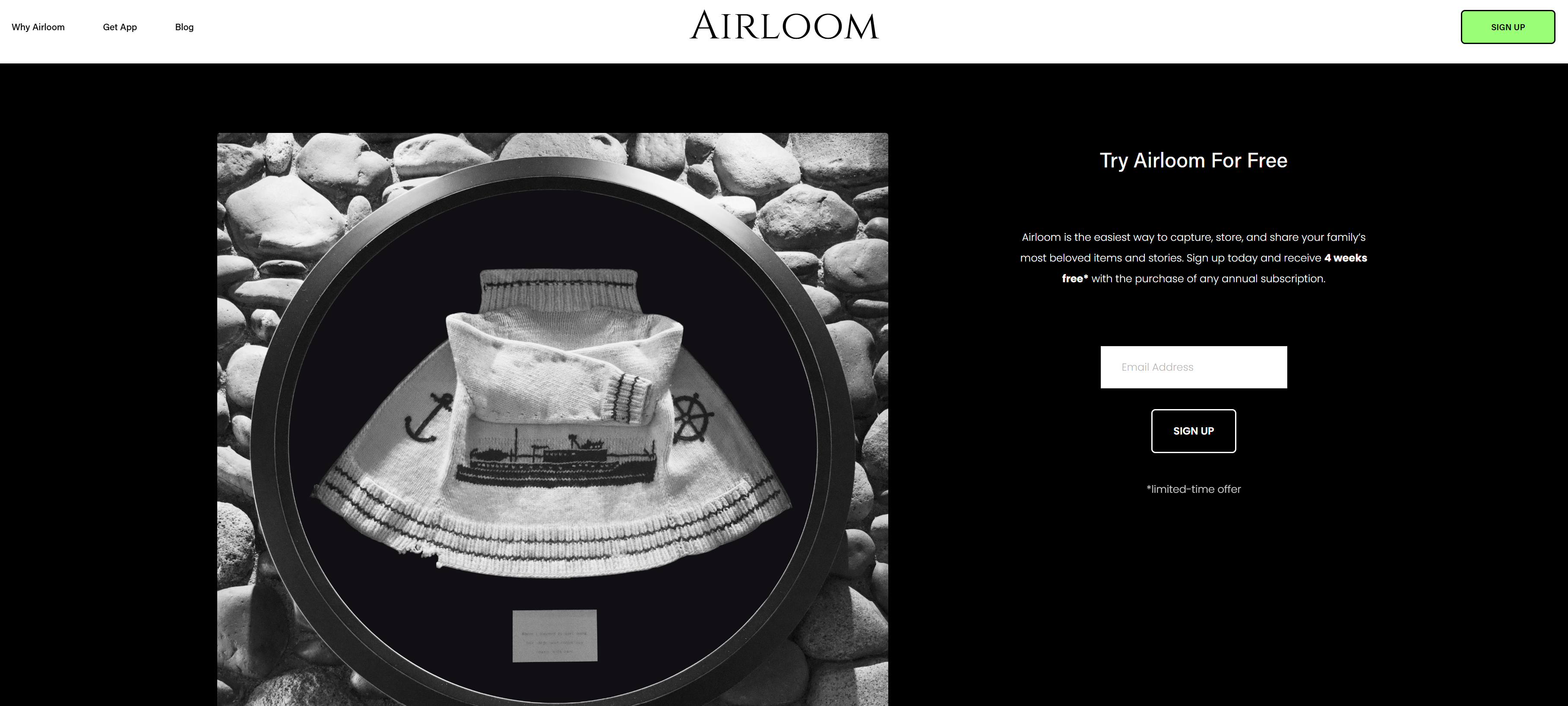
Best for: Documenting and preserving physical family possessions — jewelry, furniture, artwork, documents, collections.
Airloom does something none of the other apps on this list attempt: it helps you catalog your stuff. Not your stories or your voice — your actual physical heirlooms. You photograph an item, record the story behind it with voice, and AI cleans up the transcript. You can share individual items with family members and keep everything organized in one place.
It's genuinely useful if you have a house full of objects with history attached to them — grandma's ring, the quilt your great-aunt made, the pocket watch from the old country. The problem is scope: it's built around things, not people or events. If you want to preserve the story of your father's childhood, Airloom doesn't have a natural place for that unless you can tie it to a physical object. It's excellent at what it does, but it's solving a narrower problem than a full family archive.
Pricing: Subscription model via the App Store.
Heirloom — The private daily journal
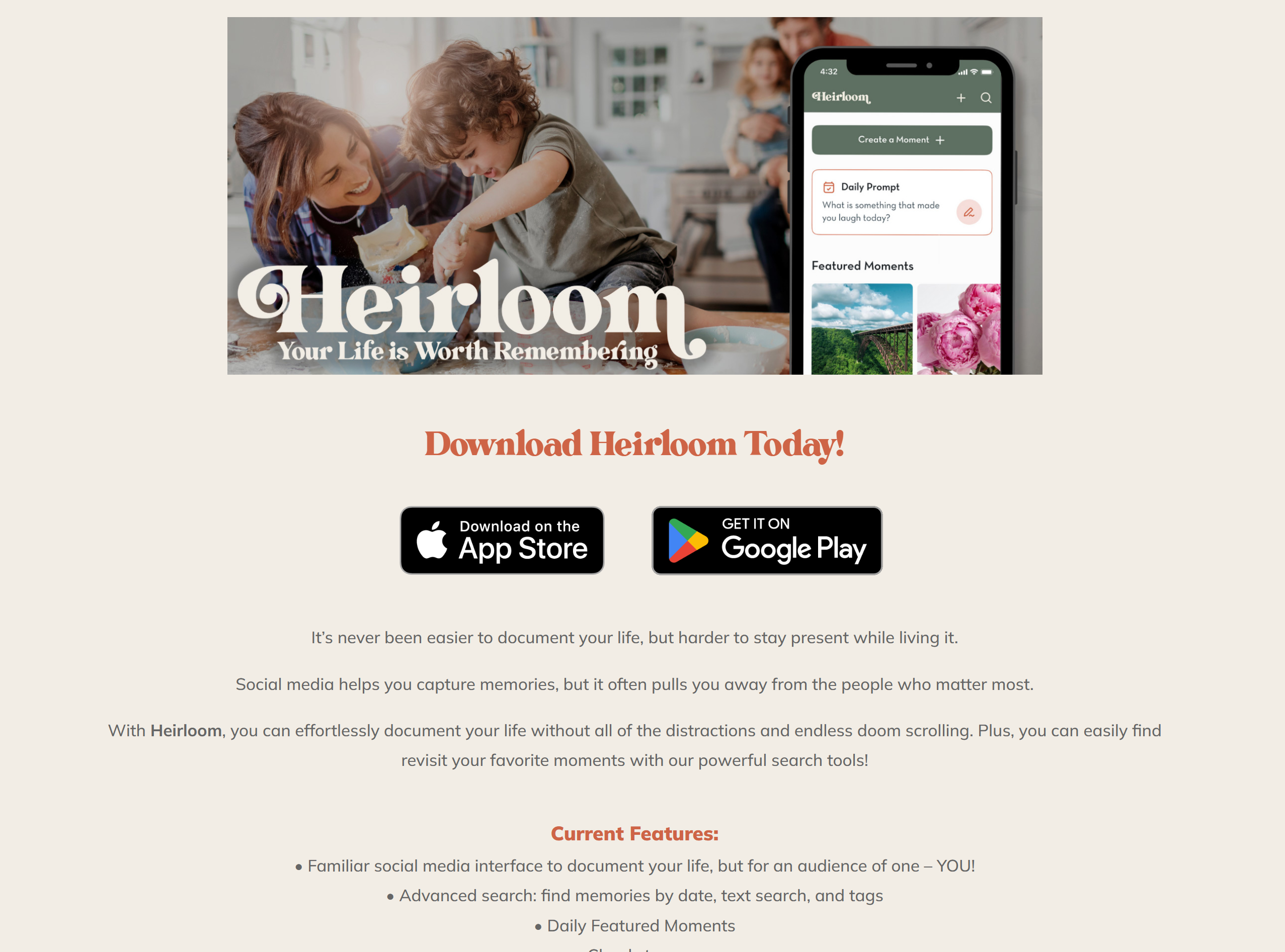
Best for: People who want a social-media-style diary that's completely private.
Heirloom launched in late 2025 with a smart pitch: what if Instagram was private? The app looks and feels like a social feed — you post "Moments" with photos, text, and tags — but nothing is public. No followers, no algorithms, no doom-scrolling. Just your own personal timeline.
It's polished and the interface is familiar to anyone who's used a social app. The limitation is that it's fundamentally a personal diary, not a family archive. There's no built-in voice recording with AI transcription, no guided storytelling prompts, no family collaboration with roles and permissions, and no event sharing. They're working on sharing features, but right now it's primarily a one-person experience. If you want a private journal for yourself, it's great. If you want a shared family legacy space, it's not there yet.
Pricing: Free with premium tiers in development.
A shared family archive, not a personal diary
Separate logins for every family member, one timeline, guided prompts, and voice recording that writes itself down. Free to start with a 7-day trial — no card required.
Start freeFree plan available • No credit card required
Three pillars of family preservation — and which one matters most
After testing everything, we realized these apps aren't just in different camps. They're solving for three fundamentally different pillars of preservation:
The Asset Pillar (Airloom)
The Personal Pillar (Heirloom)
The Legacy Pillar (Memory Murals)
Each pillar matters. But here's what we noticed: the Asset Pillar preserves things. The Personal Pillar preserves moments. The Legacy Pillar preserves people — their voices, their stories, their relationships, and the meaning behind the moments and the things.
If you could only pick one, we'd argue the Legacy Pillar is the one your family will be most grateful for in 30 years. A photo of grandma's ring is nice. A journal entry about Tuesday is fine. But a recording of your grandmother's voice telling the story of why that ring matters and who gave it to her? That's irreplaceable.
The memorial platforms (important, but different)
These services are designed for a specific moment: honoring someone after they've passed. They're essentially digital headstones — places where community members can leave tributes, share photos, and process grief together. They serve a real need, but they're fundamentally different from a living family archive.
Keeper & Forever Missed
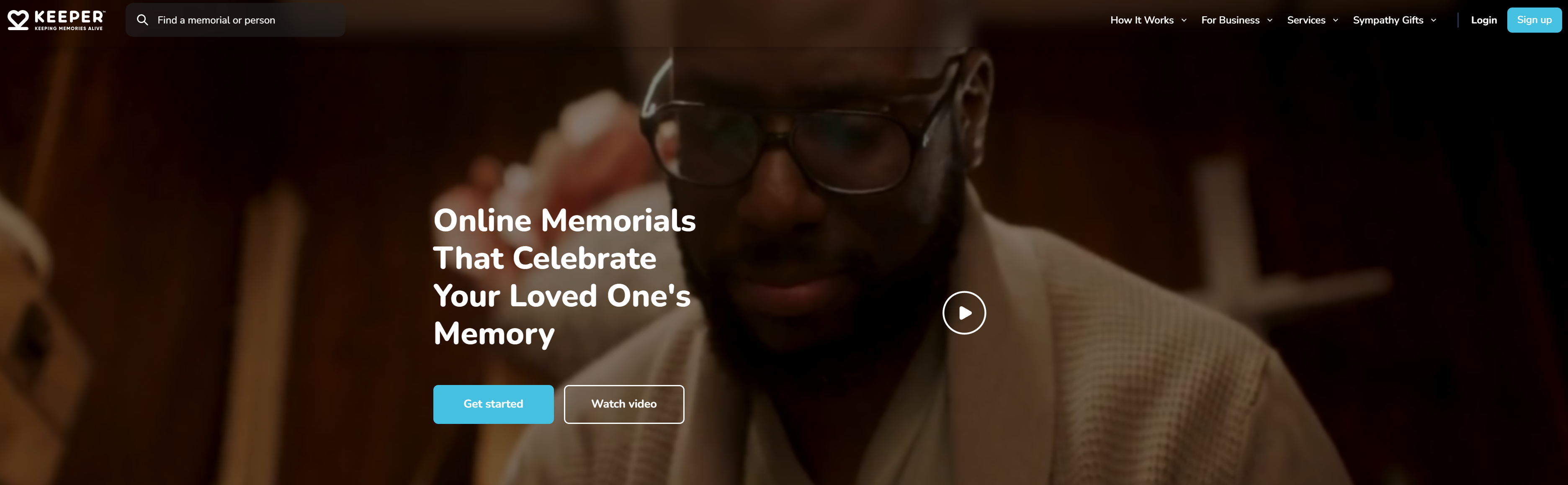
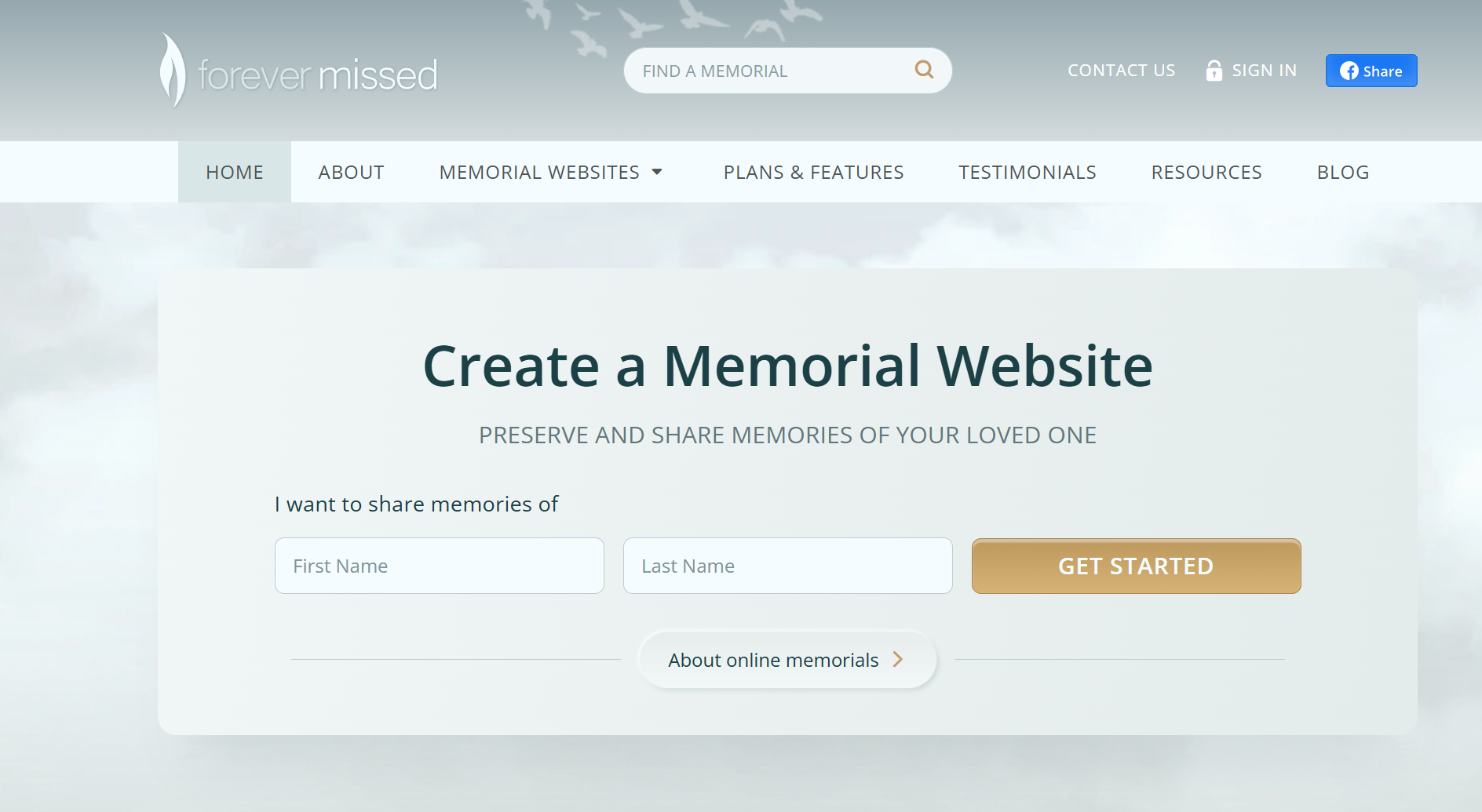
Online tribute pages where friends and family can leave virtual candles, condolences, and shared memories after a loss. They're community-facing and public by nature — the opposite of a private family vault. Well-designed for what they are, but not for documenting a family's living history.
LifeWeb360
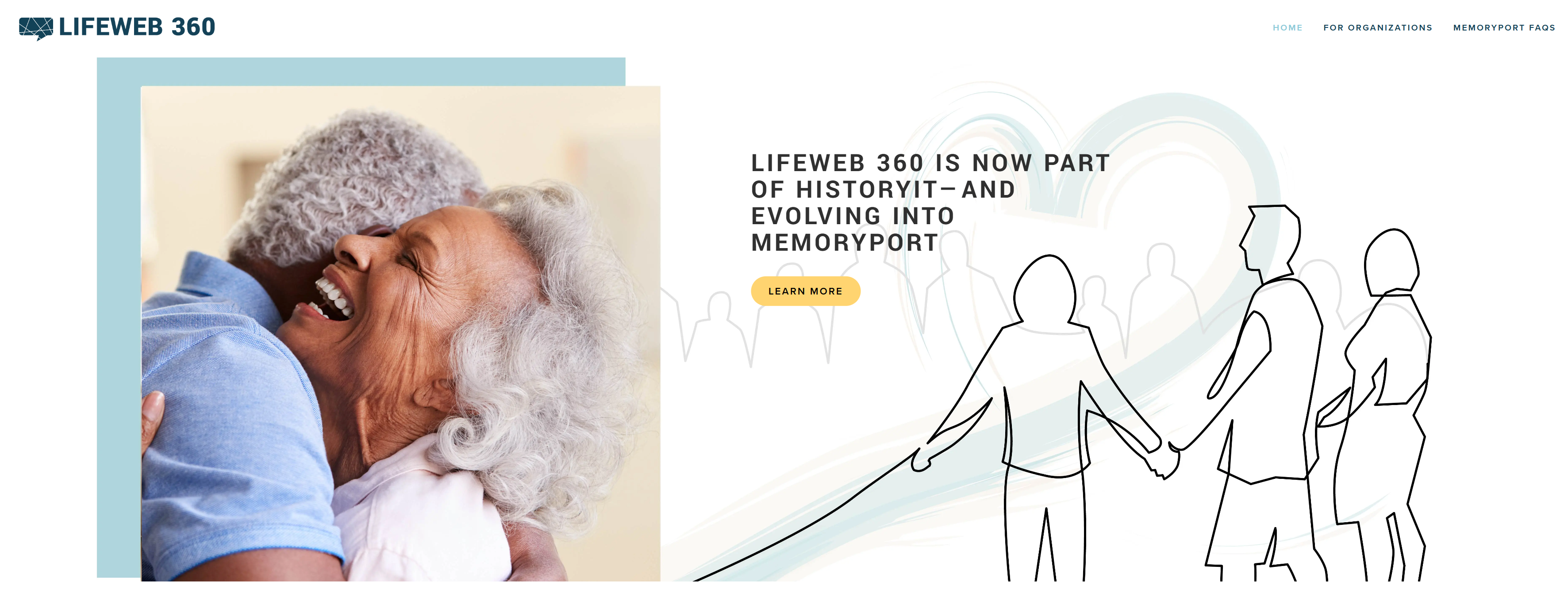
A beautiful platform for crowdsourcing memories and photos of someone who's passed. The interface is warm and respectful. But it's built for remembering a person, not for a living family to document their journey in real time. Lacks the structured organization, voice recording, and privacy controls of a dedicated family archive.
Chptr
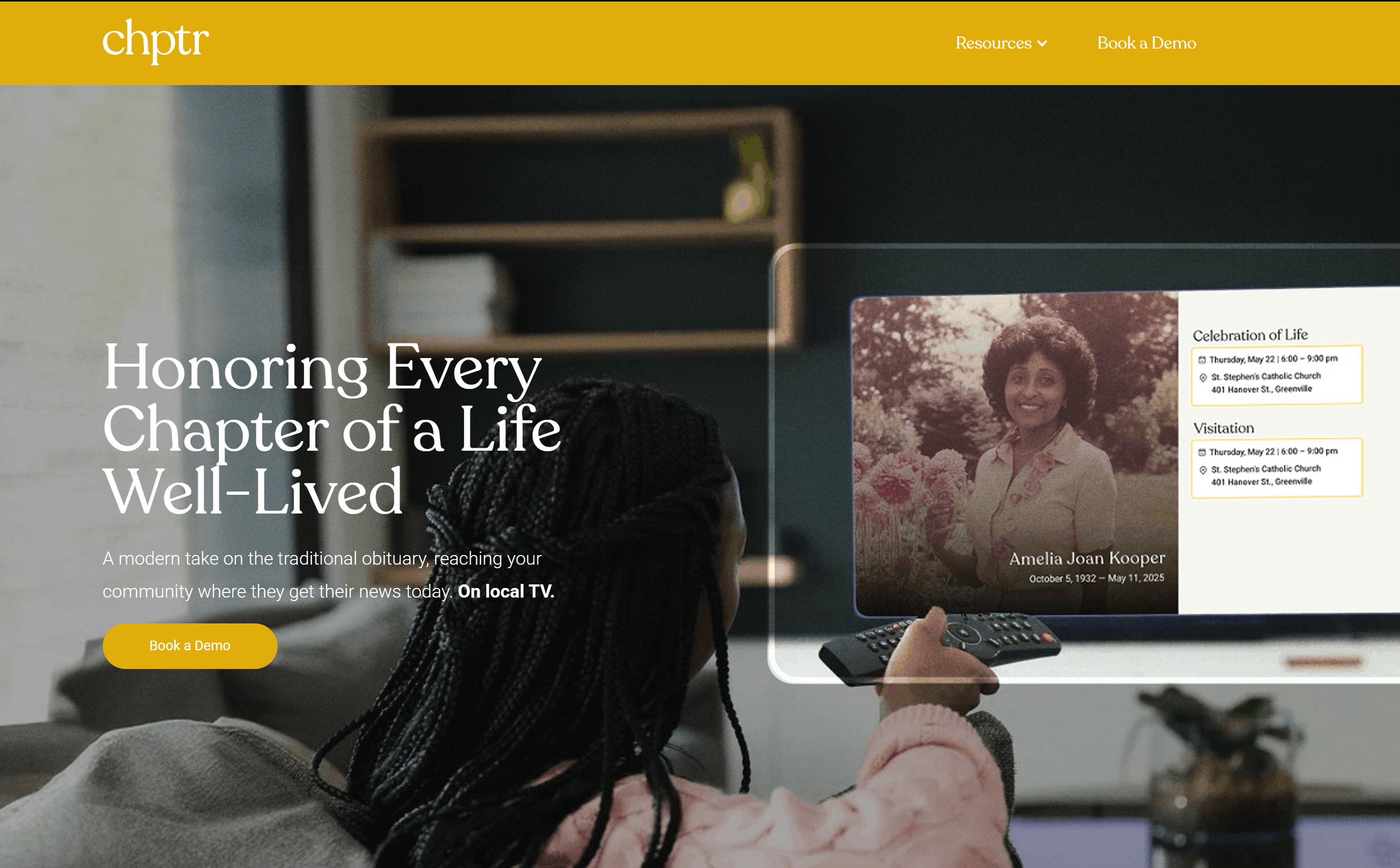
A mobile-first memorial app focused on grief processing. It's thoughtful and well-made for that purpose. But if you're looking for a 50-year family archive with AI transcription and family collaboration features, it's solving a different problem.
Evaheld — The end-of-life legacy planner
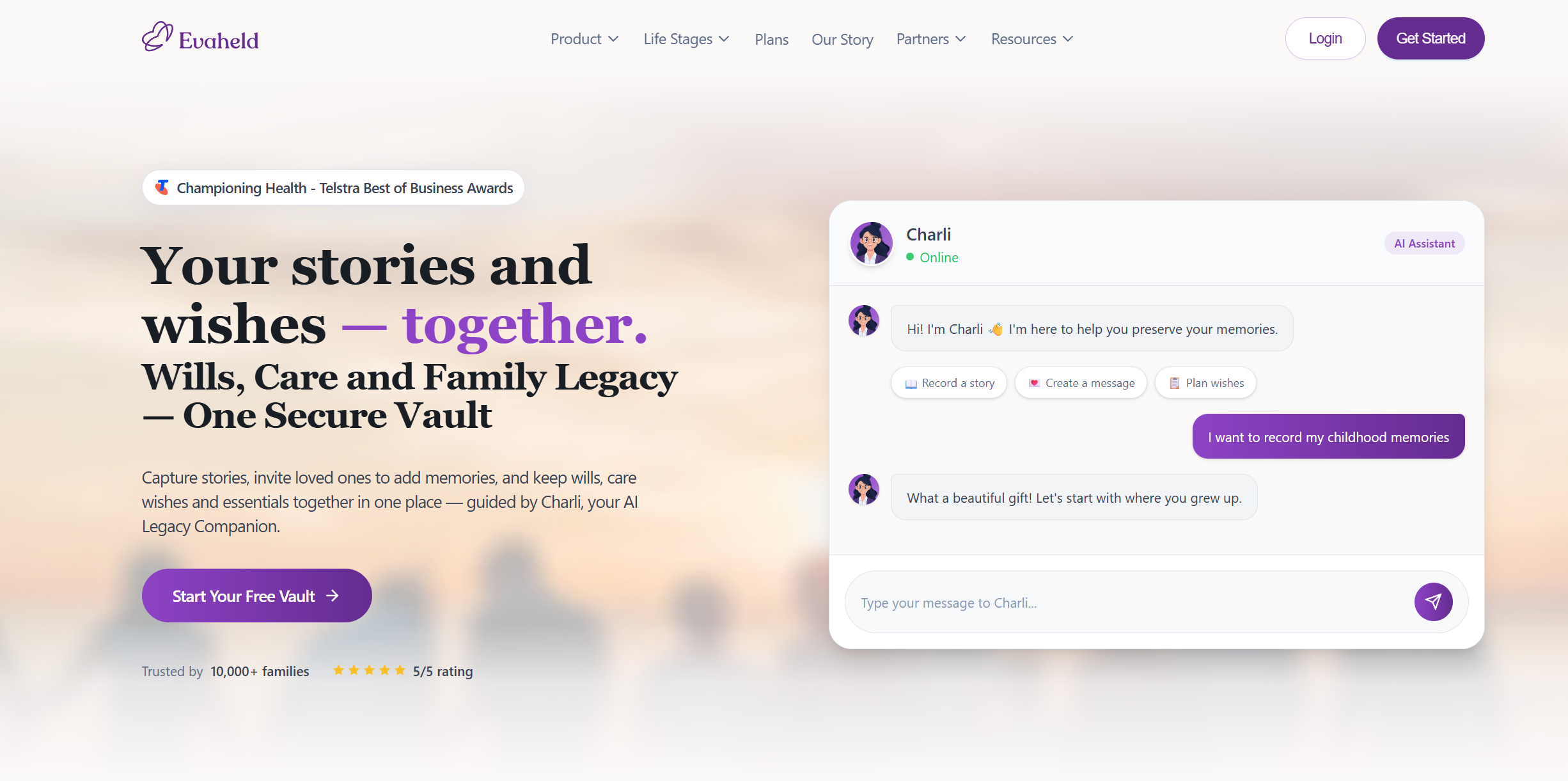
Best for: People who want to combine estate planning, advance care directives, and family stories in one place.
Evaheld is an Australian platform that does something genuinely unique: it merges legal/medical end-of-life planning with personal legacy preservation. You can store your will, advance care directives, and important documents alongside family stories, scheduled future messages (delivered to loved ones after you're gone or on future milestones), and an AI companion called "Charli" that guides you through conversational prompts.
The future messaging feature is powerful — imagine your grandchild receiving a video from you on their wedding day, decades after you recorded it. That's a meaningful use case that most other platforms don't touch.
The limitation for daily family use: Evaheld's primary lens is planning for the end, not living in the present. The story-preservation features exist alongside estate documents and health directives, which gives the whole experience a planning-for-death tone that some families might find heavy for everyday use. If you're looking for an app you open on a Tuesday to record a funny story about your kid, the context of wills and care directives can feel incongruent. But if you want one platform that covers both legacy planning and story preservation, Evaheld is the most comprehensive option in that hybrid space.
Pricing: Free tier available. Premium plans for additional features.
Not either/or
Memorial platforms and family archives serve different moments in life. You might use Memory Murals to record your grandmother's stories while she's here, and a service like LifeWeb360 or Keeper to create a community tribute when she's gone. They're complementary, not competing.
The physical product and professional services
These are high-touch, often high-cost services that produce a tangible end product — a book, a documentary video, a professionally edited life story. They're fantastic for what they are. They're also fundamentally different from a daily-use digital archive.
Legacy Stories & Similar Professional Services
These are in-person or virtual interview services where a professional filmmaker or biographer records and edits your family's story into a polished documentary or written biography. The results are stunning. The cost reflects that — often $1,000–$10,000+. They're a supplement for milestone moments, not a scalable solution for capturing the small stories that happen every week.
Memorygram (Hybrid Physical + Digital)
Memorygram is the most unusual entrant in the broader category — they don't fit neatly into any of the three camps because they sell across all of them. Their product line includes a hardcover Legacy Book with QR-code voice playback, QR Memorial Medallions for gravestones and urns, memorial jewelry and dog tags, a FamilyDial communication platform, and a done-for-you Biography Services tier where professional ghostwriters write a family member's biography. Pricing isn't published openly; you quote out through their flow. They genuinely solve the "physical artifact you can hold" problem most app-only competitors don't, and the graveside QR medallion is a thoughtful product idea. Where they fall short: closed digital ecosystem, no documented long-term data-export policy, single-account editing on most products. The full honest breakdown is in our Memorygram review.
Physical Photo Books (Shutterfly, Artifact Uprising, etc.)
Photo books are wonderful objects. But they don't capture voice, they can't be searched, they can't be updated after printing, and they don't scale to a lifetime of memories. They're a finished product, not an ongoing system. Use them as the output of your archive, not as the archive itself.
Why most apps disappointed us — and what actually works
After testing all of these, a clear pattern emerged. Most family archive apps fall into one of two traps:
Trap 1: Too clinical. The app treats your family's stories like files in a database. Functional, but emotionally dead. You won't open it on a Sunday afternoon.
Trap 2: Too focused on death. The app is designed for the moment someone is gone — memorial pages, tribute walls, posthumous storytelling. Important work, but it misses the vast majority of family life that happens while everyone's still here.
The sweet spot — and the reason we built Memory Murals — is a platform that's used today, by living families, to capture what's happening now and what happened before, in a space that's private, searchable, voice-friendly, and simple enough that your least technical family member can use it.
Private
By default
No public profiles, no algorithms, no social features. Invite-only family access.
Voice-first
AI transcription
Record stories with your voice. AI handles the rest — transcription, titles, organization.
Living
Not posthumous
Designed to be used today by families, not just as a memorial after someone is gone.
Side-by-side: how the top options compare
| Feature | Physical | Digital |
|---|---|---|
| Voice recording + AI transcription | ||
| Private by default | ||
| Ongoing living archive | ||
| Family collaboration | ||
| Searchable archive | ||
| Event photo sharing | ||
| Guided storytelling prompts | ||
| Free tier |
Voice recording + AI transcription
- Physical
- Digital
Private by default
- Physical
- Digital
Ongoing living archive
- Physical
- Digital
Family collaboration
- Physical
- Digital
Searchable archive
- Physical
- Digital
Event photo sharing
- Physical
- Digital
Guided storytelling prompts
- Physical
- Digital
Free tier
- Physical
- Digital
Start with the question, not the app
Before you pick a platform, ask yourself one thing: Am I trying to preserve a living family's ongoing story, or am I creating a tribute to someone who's gone?
If it's the first, you want a private family vault with voice support, family collaboration, and a system you'll actually use more than once. If it's the second, the memorial platforms are genuinely well-made for that purpose.
And if you're not sure yet — start recording. Pick up your phone. Ask your parent one question about their childhood. Press record. The tool matters less than the decision to begin.
But if you want a home for those recordings that your whole family can access, search, and add to for decades — that's what we built Memory Murals to be.
If your priority is specifically the voice side — a parent's actual stories rather than the growing pile of files — our test of seven AI memory apps narrows this field to the tools built for recording in the first place.
A home for those recordings
Searchable, shared with the whole family, and still there in decades. Free to start with a 7-day trial — no credit card required.
Start freeFree plan available • No credit card required
Side-by-side comparisons
If you want a head-to-head breakdown for any of these tools, the dedicated comparison pages cover pricing, voice support, family-contribution model, and where each one breaks down in real-family use:
- Memory Murals vs Heritage Whisper — voice-first storytelling with the longest curated question library
- Memory Murals vs Simirity — 350+ free conversation guides with email-prompt cadence
- Memory Murals vs Heirloom — cinematic memory videos as a digital gift
- Memory Murals vs Airloom — physical heirloom cataloger with object-first framing
- Memory Murals vs EvaHeld — legacy letters and end-of-life planning
- Memory Murals vs Chptr — multi-contributor memorials after a loss
- Memory Murals vs ForeverMissed — established online memorial platform with public tribute pages
- Memory Murals vs Capture — unlimited photo backup vs voice-first story archive
If you want a deeper read on the file-storage-vs-archive distinction, our breakdown of digital family archives vs. photo albums goes longer on why "more files" doesn't fix the missing-context problem. And if the person you want to record is older or non-technical, the practical playbook lives in how to actually record your grandparents' stories.
Get 50 questions to ask your parents — before the stories are gone
The exact prompts families use to draw out the stories nobody ever wrote down. Free, straight to your inbox.
No spam. Unsubscribe anytime.
Frequently asked questions
Is this review biased since Memory Murals is your product?
Yes, obviously. We're transparent about that. We genuinely tested every platform listed here in good faith and tried to be fair about what each one does well — memorial sites are excellent at memorials, book services make beautiful books. We didn't build Memory Murals because those products are bad. We built it because none of them solved the living family archive problem the way we thought it should be solved.
What's the best app for storing family memories long-term?
It depends on whether you want a living archive or a one-time artifact. For an ongoing family vault that holds photos, voice recordings, and stories together — and that grows over decades — Memory Murals is built specifically for that use case. For a one-time printed book, StoryWorth and Remento are honest options. The most common mistake families make is picking a one-time book product when they actually wanted the ongoing archive.
Can I use multiple family archive services together?
Absolutely. Many families use Memory Murals as their daily archive and then order a Remento or StoryWorth book as a gift for a milestone birthday or holiday. The services complement each other — one is the durable, searchable archive, the other is the printed deliverable. Just don't try to make a one-time book product carry the weight of a long-term archive; that's where the fit breaks down.
What about just using Google Photos or iCloud as a family archive?
They're great for storing photos but they're not built for stories. They don't capture voice recordings with transcription, they don't have guided prompts, and they don't give you a timeline organized by family member. They're file storage, not family archives. The distinction matters most when you imagine your kids wanting to find a story thirty years from now — files are searchable, but stories aren't unless something captured the context.
What if the person I want to record isn't tech-savvy?
That's exactly who Memory Murals was designed for. Tap record, talk, done — AI handles the transcription and titling. No typing, no menus, no learning curve. Users in their 80s have recorded their first story on their first try. The bottleneck is almost never the tech; it's getting the conversation started in the first place.
Are family archive apps private and safe to share?
The well-built ones are. Private archives like Memory Murals are invitation-only — only family members you specifically invite can see what's in your archive. There's no public feed, no algorithmic surfacing, no advertiser data sale. Memorial platforms tend to default to public; living archives default to private. Always check the default visibility setting on any app before you upload anything you wouldn't want a stranger to see.
About the author
Patrick Moore, Founder of Memory Murals
Patrick Moore is the founder of Memory Murals. He built it after realizing how much of his own family's history had quietly slipped away — to help families preserve their stories, voices, and photos while they still can.
Related Stories
Comparisons
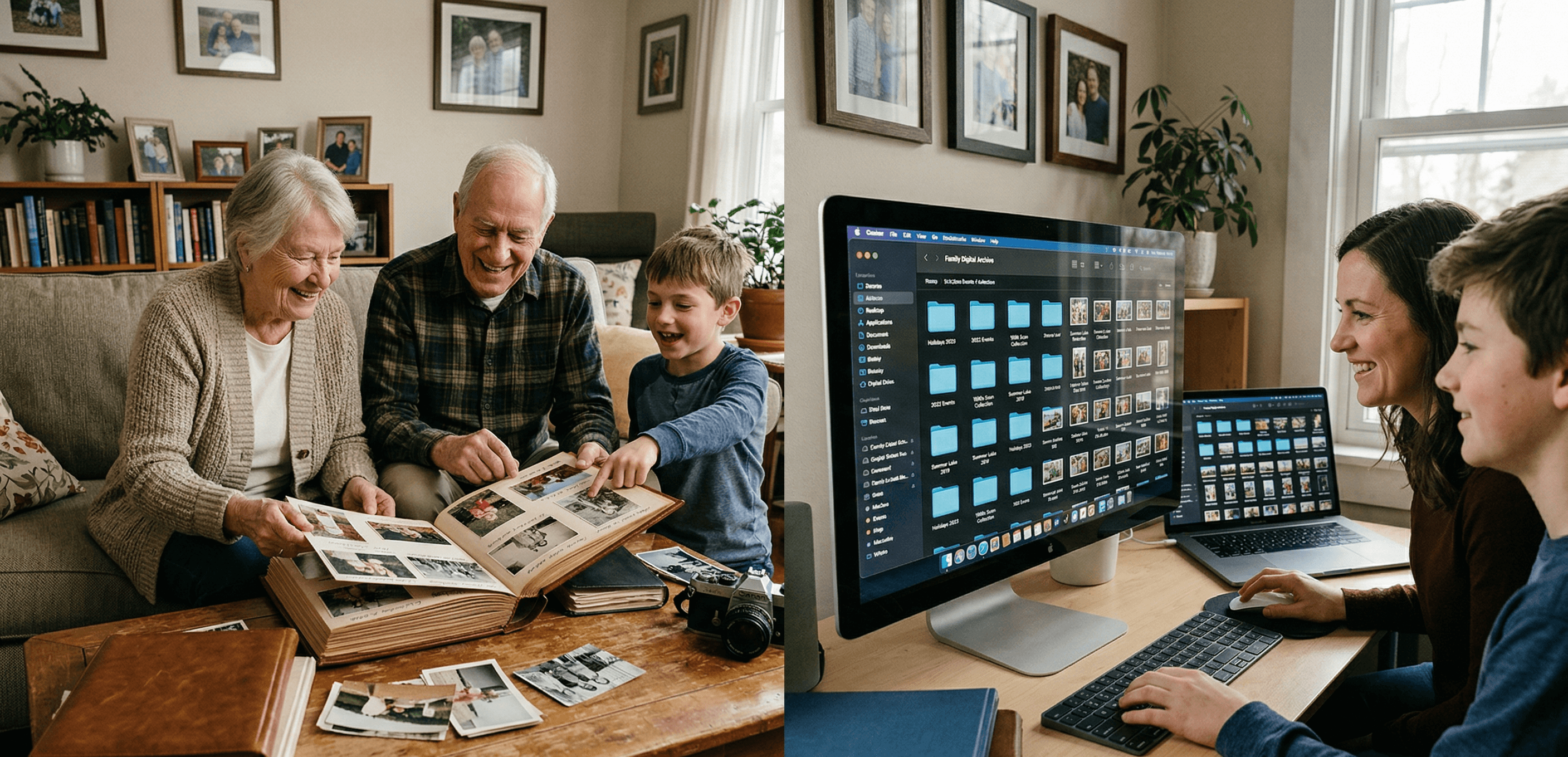
Digital Family Archive vs Photo Albums: Why the Shoebox Under Your Bed Isn't Enough Anymore
Your family photos are fading, your stories are unrecorded, and your kids can't find anything. Here's why a digital family archive does what photo albums never could — and how to build one without losing what makes physical keepsakes special.
Patrick Moore • April 3, 2026
Comparisons
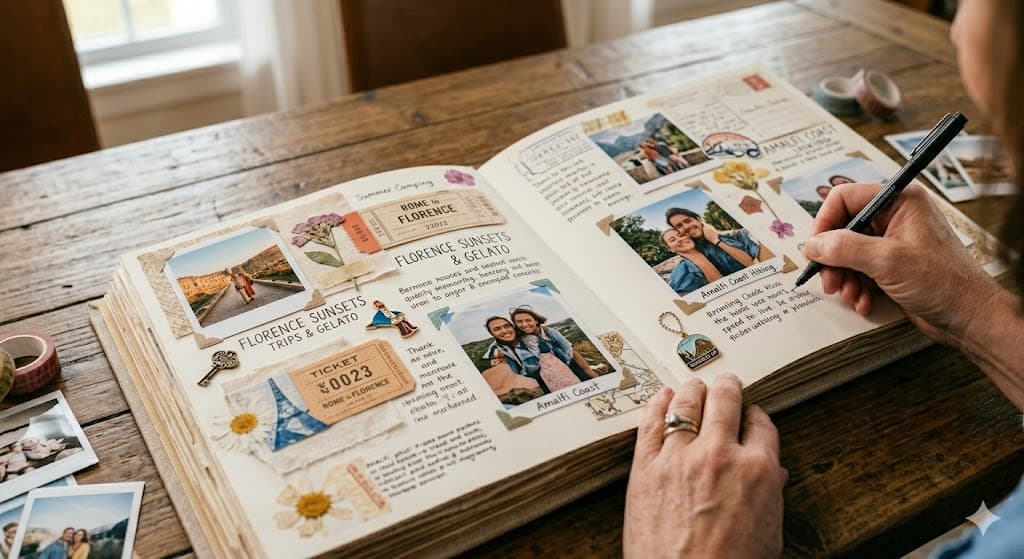
Digital vs Physical Memory Books: Which Preserves Your Family's Legacy Longer?
Deciding between digital and physical memory books for your family's stories? Explore which method offers greater longevity and preserves more of your precious moments.
Patrick Moore • March 27, 2026

How-To Guides
How to Audit Your Family's Digital Footprint Before It's Too Late (2026)
If your family had to recover your photos, voicemails, and stories on a Wednesday afternoon with no warning, how much would they actually find? Most families don't know. Here's the 5-step audit to find out before it matters.
Patrick Moore • May 15, 2026
See the version we built.
Voice-first, multi-contributor, and priced on one page — $12.99/mo, $99.99/yr, or a $7 weekend pass. Free for 7 days.