
How to Create a Private, Secure Family Archive
Most family photos today live somewhere a stranger's algorithm can scan them or a forgotten password can lock them away forever. Here's how to build a private archive only the people you choose can see — and that doesn't belong to anyone but you.
Patrick Moore, Founder • May 27, 2026
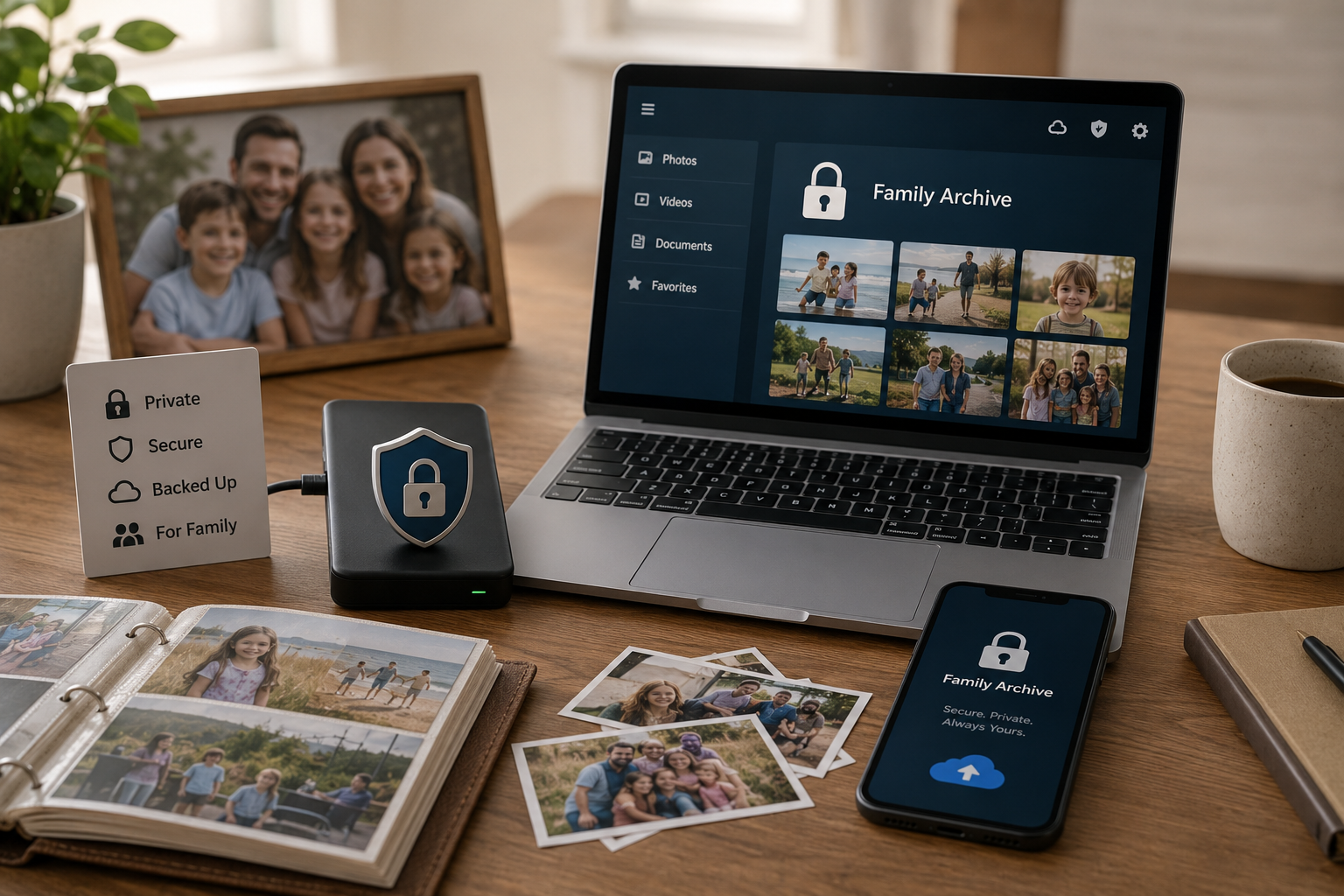
A few years ago a friend of mine discovered that a photo of her two-year-old in the bath — uploaded once, years earlier, to a since-forgotten cloud album — had been pulled into a "memories" montage and surfaced, with a shareable link, in a way she never chose and couldn't fully undo. Nothing criminal happened. It was just the quiet truth of how most family photos live now: in places designed to resurface and share, scanned by systems whose job is engagement, accessible to anyone who ends up with a link.
Around the same time, a different friend lost the opposite way. His late father's entire photo collection lived in one cloud account. When the account went dormant and the recovery email bounced, it was gone — not deleted by anyone, just locked behind a password no living person knew.
Those are the two failure modes of the modern family archive: too exposed, or too fragile. This guide is about building one that's neither — a private digital archive that only the people you choose can ever see, and that you actually own. If you want the gentlest possible on-ramp first, five gentle ways to start a family archive is a softer place to begin; otherwise, here's the whole build.
The shortest answer
A secure family archive = a private, invite-only home you own (not a public feed or a shared-link folder) + the 3-2-1 backup rule (two extra copies, one offline) + per-person access control you can revoke anytime. Get those three right and your family's photos are both unseeable by strangers and un-loseable to a forgotten password.
First, the threat model: who can see your photos right now?
"Secure" is a vague word until you name what you're protecting against. For a family archive, the real risks aren't hackers in hoodies — they're mundane and far more likely. Before you build anything, it helps to see clearly where your photos are exposed today.
The four ways family photos actually get lost or exposed
Algorithmic scanning
Photos on ad-funded platforms are read by AI for faces, objects, and "memories." Convenient — but your family's faces become training data and feature fuel.
Account lock-out
Forgotten password, bounced recovery email, or a dormant account, and the only copy is sealed off. No villain required.
Over-broad sharing
A "anyone with the link can view" album or a public profile means one forward exposes everything at once, with no way to claw it back.
Platform shutdown or repricing
Services close, get acquired, or move features behind a paywall. If you don't own an exportable copy, your archive lives at someone else's discretion.
Notice none of these is exotic. They're the default conditions of storing irreplaceable photos in places built for sharing and engagement rather than preservation. We wrote a longer piece on why privacy sits at the heart of how a family archive should work — the worldview behind this how-to. The rest of this post is the operational fix.
The six-step setup
Building a private archive you own
Gather everything into one place
Pull photos and videos off every phone, drive, and old account into one master folder you control.
Digitize the physical stuff
Get prints, slides, and tapes into files so the whole archive lives in one private home.
Choose a private home you actually own
Pick an invite-only archive with no public feed, no ad scanning, and full export — not a social platform.
Organize so it's usable
Sort and tag it so the archive is searchable, not a digital junk drawer.
Lock down who can see it
Invite specific people at specific access levels — view-only, contributor — and keep the right to revoke.
Make it survive you
Back it up 3-2-1 and plan succession so it isn't one password away from disappearing.
Step 1 & 2 — Get everything into one place (and digitize the rest)
You can't secure what's scattered. Start by consolidating: copy photos and videos off every phone, laptop, SD card, and old cloud account into one master folder. For the physical pile — shoeboxes, albums, slides — turn it into files first; our guide to digitizing old photos at home covers the DIY way with just a phone. The goal of this stage isn't organization yet, it's consolidation: one collection, in one place you control, so that when you lock it down you're locking down all of it.
Step 3 — Choose a private home you actually own
This is the decision the whole thing hinges on, so it deserves real thought. Most people default to wherever their phone already backs up — and for everyday snapshots, the big clouds are genuinely fine and convenient. But for the archive of your family's most personal photos, voices, and stories, three properties matter that consumer clouds and social platforms don't prioritize:
Private by default, not by configuration
No public profile, no feed, no discovery, no "anyone with the link." The archive should be invisible to everyone except the people you deliberately invite — without you having to hunt through settings to make it so.
No algorithmic scanning or ad targeting
Your family's faces and moments shouldn't be feedstock for a recommendation engine or an ad profile. A tool whose business model is a subscription you pay (not your attention it sells) has no reason to mine the contents.
You can export everything, anytime
Full-resolution originals, recordings, and text — yours to take. If you can't get your data out, you don't own it; you're renting access to it, on terms that can change.
This is exactly why we built Memory Murals the way we did: a private, invite-only family archive with no public feed, no ads, and no algorithmic scanning of your memories — a place where photos live alongside the voices and stories that explain them. We're obviously not neutral here, so weigh it against the alternatives below on the properties that matter to you. The point isn't "use our thing" — it's don't let the master copy of your family's history live somewhere built to surface and monetize it.
| What matters | Public cloud / social | A private archive you own |
|---|---|---|
| Who can see it | Link-holders, sometimes the public; scanned by the platform | Only people you invite, at the level you set |
| Business model | Ads / engagement — your data has value to them | Subscription you pay — no reason to mine contents |
| Access control | Often all-or-nothing link sharing | Per-person, role-based, revocable |
| If you stop paying / it shuts down | Risk of losing access to everything | Exportable copy you keep regardless |
| What it's built for | Sharing, virality, storage | Preservation and privacy |
Who can see it
- Public cloud / socialLink-holders, sometimes the public; scanned by the platform
- A private archive you ownOnly people you invite, at the level you set
Business model
- Public cloud / socialAds / engagement — your data has value to them
- A private archive you ownSubscription you pay — no reason to mine contents
Access control
- Public cloud / socialOften all-or-nothing link sharing
- A private archive you ownPer-person, role-based, revocable
If you stop paying / it shuts down
- Public cloud / socialRisk of losing access to everything
- A private archive you ownExportable copy you keep regardless
What it's built for
- Public cloud / socialSharing, virality, storage
- A private archive you ownPreservation and privacy
Step 4 — Organize so it's actually usable
A private archive nobody can navigate is just a locked junk drawer. Once everything's in its private home, organize it — date-based structure, people tagged, the keepers surfaced. We wrote the full system in how to organize a lifetime of family photos, so this guide won't repeat it; just don't skip it. Security and usability aren't opposites — an archive your family can actually find things in is one they'll actually keep using, which is its own form of preservation.
Step 5 — Lock down who can see it
Privacy in practice is access control. The rule: invite specific people, grant the least access that works, and keep the power to change it. A grandparent might get view-only; a sibling helping build it might get contributor rights; an extended cousin might get nothing. Avoid blanket "anyone with the link can edit" sharing for anything you care about — it's the most common way private archives quietly become public. The precise mechanics — how to give relatives a window in without handing over the keys — are in sharing a family archive with view-only access.
Step 6 — Make it survive you
The last threat is the quietest: the archive that's perfectly private and perfectly organized, and then lost because one person held the only login. Two safeguards close that gap:
Back it up 3-2-1
At least three copies, on two types of media, with one offline (an external drive in a drawer counts). One cloud sync is a copy, not a backup. The pattern we actually use is in our family backup guide.
Plan succession on purpose
Make sure at least one trusted person knows the archive exists, can reach it, and can recover the credentials — and keep an exportable copy so nothing is trapped behind a single account.
For the deeper version of this — durability, formats, and what happens to it across generations — how to build a permanent digital legacy is the companion piece. And if the succession question is what brought you here in the first place, what happens to your family photos when you die sits with it. The backup mechanics live in the family backup.
The honest verdict
A truly private, secure family archive comes down to three decisions, in order: put it somewhere private by default that you own (not a public feed or a shared-link folder), control access per person (invite, scope, revoke), and make it survive you (3-2-1 backups + a succession plan). The big clouds are fine as one of your backups and great for casual sharing — just don't let them hold the only, authoritative copy of your family's history, where its privacy and its very existence depend on an account staying logged in and a company staying in business. Own the master. Invite deliberately. Back it up.
The whole thing is doable in an afternoon of setup and a habit after that. The version of this that fails is the one that stays a vague intention while the photos keep piling up in places you don't control. Pick the private home this week, move the collection in, invite the three people who should see it, and set the first backup. That's an archive your family can trust — and one no stranger's algorithm, and no forgotten password, can take from you.
Ready to give your family's memories a home only your family can see? Try Memory Murals free → — a private, invite-only archive where your photos, voices, and stories stay yours.
Get 50 questions to ask your parents — before the stories are gone
The exact prompts families use to draw out the stories nobody ever wrote down. Free, straight to your inbox.
No spam. Unsubscribe anytime.
Frequently asked questions
How do I store family photos privately and securely?
Keep the master copy in a place you control and that is private by default — an invite-only family archive or your own storage — rather than a public social platform or a shared cloud folder anyone with the link can open. Then protect it with the 3-2-1 backup rule (two extra copies, one offline). The two things that matter most: nobody can see it unless you invite them, and nobody can take it away from you (no account lock-out, no platform shutdown).
What's the safest way to keep family photos and videos long-term?
Safety long-term is two separate problems: privacy (who can see it) and durability (will it survive). For privacy, use a private, invite-only archive you own. For durability, keep at least two backups in two locations with one offline, and migrate files forward as formats change. A single cloud account is neither — it can be breached, locked, or discontinued, taking the only copy with it.
Is cloud storage like Google Photos or iCloud private enough for family memories?
For casual snapshots, they're fine and convenient. For an archive of your family's most personal photos and stories, the trade-offs matter: the files are scanned by AI for features and ads, access depends on an account that can be locked or lapse, and a shared link or breach can expose everything at once. If privacy and ownership are the point, a private archive built for it is a better home — keep the big clouds as one of your backups, not the master copy.
How do I create a family archive that isn't on social media?
Pick a private, invite-only platform (or your own storage) instead of Facebook, Instagram, or a public link. The defining features to look for: no public profiles or feed, no algorithmic scanning, no ad targeting, and granular control over who you invite and what they can see. Then add your photos, voices, and stories there — not to a network whose business model is engagement.
Can other people see my family archive if I use Memory Murals?
Only the people you explicitly invite, at the access level you choose. There are no public profiles, no feed, no discovery — it's a private room, not a stage. You can give a relative view-only access, full editing, or nothing at all, and change it any time.
How do I give relatives access to the archive without losing control?
Use a tool with per-person, role-based access so you can invite someone as view-only, contributor, or admin, and revoke it whenever you want. Avoid blanket 'anyone with this link can edit' sharing for an archive you care about. We cover the exact setup in our guide to sharing a family archive with view-only access.
What does 'own your own data' actually mean for a family archive?
It means you can export everything — full-resolution originals, recordings, and the text — and that your access doesn't hinge on a subscription you can be priced out of or an account that can be closed. Ownership is the difference between renting shelf space in someone's data center and keeping the authoritative copy of your family's history yourself.
How do I keep my family archive secure after I'm gone?
Plan succession deliberately: make sure at least one trusted person knows the archive exists, can access it, and has (or can recover) the credentials, and keep an exportable copy so nothing is trapped behind a single login. We go deep on building a legacy that outlives you in our permanent digital legacy guide; the short version is that an archive only you can open is one forgotten password away from being lost.
About the author
Patrick Moore, Founder of Memory Murals
Patrick Moore is the founder of Memory Murals. He built it after realizing how much of his own family's history had quietly slipped away — to help families preserve their stories, voices, and photos while they still can.
Related Stories

Insights
Why Privacy is the Heart of Memory Murals
In an age of oversharing, Memory Murals was built on privacy. Learn why your family's story deserves a space free from ads, algorithms, and public scrutiny.
Patrick Moore • December 10, 2025
How-To Guides
How to Build a Permanent Digital Legacy That Won't Disappear When You Do
Most digital legacies don't survive their owners — accounts go dark, subscriptions lapse, files vanish during account migrations nobody noticed. Here's how to build an archive that actually lasts past you.
Patrick Moore • May 10, 2026
How-To Guides
How to Ask Family Members for Old Photos (With Scripts to Copy)
The photos you want are in someone else's closet. Here's how to ask relatives for them so they actually say yes — who to ask first, what to ask for, word-for-word scripts, and what to do when someone won't let the originals leave the house.
Patrick Moore • September 11, 2026
Now give it somewhere to live.
The file you just saved outlasts nothing on its own. Put it where your family can still find it in thirty years.