
How to Cancel FamilyAlbum Premium (2026)
The exact steps to cancel FamilyAlbum Premium on iPhone, Android, and the web — plus what happens to your photos after you cancel, whether you keep access on the free tier, and where families usually move next.
The Memory Murals Team • May 19, 2026
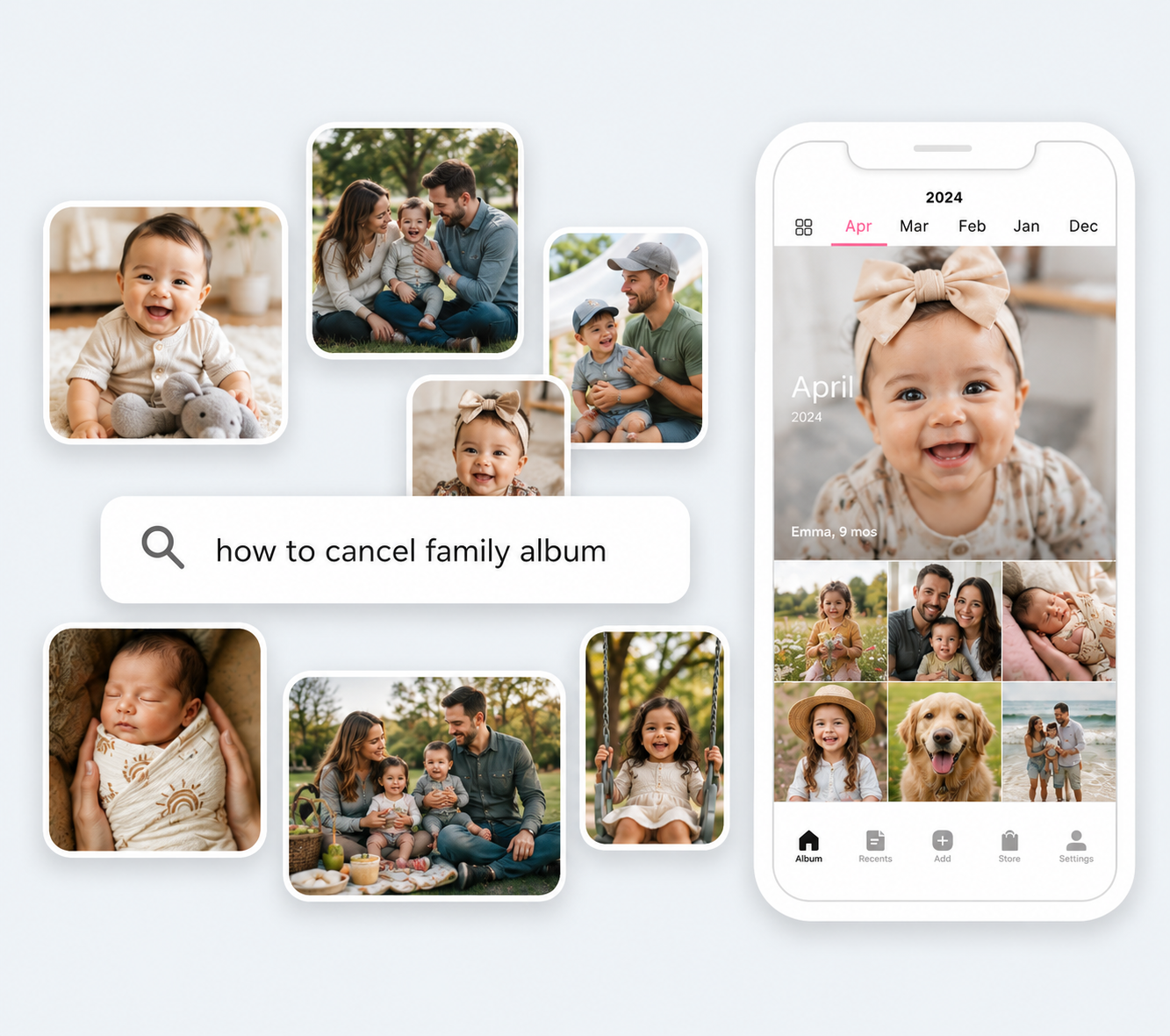
A reader emailed last week with a very specific problem. She'd bought FamilyAlbum Premium during the first-month-free promo, forgotten to set a reminder, and just got charged $59 for the year. She didn't want it. She wanted out before the next renewal, she wanted her photos to stay put, and she wanted to know — in plain English — whether cancelling would delete anything.
The official help article answers about half of that. The rest is buried in a thread of related help-center pages that you have to know exist to find.
So here's the whole answer in one place.
The 30-second answer
To cancel FamilyAlbum Premium: On iPhone, open the App Store → tap your profile icon → tap Subscriptions → tap FamilyAlbum Premium → Cancel Subscription. On Android, open the Play Store → tap your profile icon → Payments & subscriptions → Subscriptions → tap FamilyAlbum → Cancel subscription. There is no in-app web cancel button — if you subscribed on iOS or Android, you must cancel through the store you originally subscribed in. Your photos and album stay on FamilyAlbum either way. You just drop back to the free tier when the current billing cycle ends.
That's the headline. The rest of this post is the full walkthrough plus the questions nobody actually answers on the help page — what happens to your photos, how long you keep access, whether you can re-subscribe, and where families typically move when FamilyAlbum stops fitting.
Three things to know before you tap cancel
Quick orientation so you don't run into the same surprises everyone else does.
Cancel where you subscribed. Apple and Google bill independently of FamilyAlbum. If you originally signed up on your iPhone, your subscription is an App Store subscription — FamilyAlbum can't cancel it, and the FamilyAlbum app doesn't have a cancel button. Same for Android and Google Play. The cancel happens in the store, not in the app.
Cancel at least 24 hours before renewal. Both Apple and Google auto-renew subscriptions within the 24 hours before the renewal date. Cancel inside that window and you're stuck with one more billing cycle. Per FamilyAlbum's own help article: "please make sure to cancel your subscription at least 24 hours before it expires." [Source: family-album.com help center, verified 2026-05-19.]
Uninstalling the app does not cancel. This is the most common mistake. Deleting FamilyAlbum from your phone leaves the App Store / Play Store subscription active — you'll still be billed every month or year until you cancel through the store directly.
If you bought Premium during the one-month free trial
The free trial converts to a paid subscription automatically. To use the trial and avoid the first charge, you have to cancel 24+ hours before the trial's last day. Cancelling during the trial doesn't end the trial early — you keep Premium until the trial period closes, then drop to free.
Cancel FamilyAlbum Premium on iOS (App Store)
The steps are short. Three to four taps from the Home screen.
Cancel FamilyAlbum Premium on iPhone or iPad
The App Store subscriptions flow. Works on every iOS version from iOS 14 onward.
- 1
Open the App Store
From your iPhone or iPad Home screen, tap the blue App Store icon. You don't need to be signed into FamilyAlbum itself — only into your Apple ID.
- 2
Tap your profile icon
In the upper-right corner of the App Store, tap your profile photo or initials. This opens the Account screen with your purchase history and subscriptions.
- 3
Tap Subscriptions
On the Account screen, tap the row labeled Subscriptions. iOS shows every active and expired subscription billed to your Apple ID, sorted by status.
- 4
Select FamilyAlbum Premium
Find FamilyAlbum (or FamilyAlbum Premium) in the Active section and tap it. You'll see the plan name, the renewal price, and the next billing date.
- 5
Tap Cancel Subscription
Scroll to the bottom and tap the red Cancel Subscription link. Confirm when iOS asks. The Subscriptions list updates to show the row in an Expires state with the cancellation date shown — the cancellation takes effect at that renewal date, not immediately. You keep Premium until then.
That's it. The FamilyAlbum row in your Subscriptions list updates to show "Expires" with the end date — screenshot it if you want a proof point in case FamilyAlbum ever shows you as still subscribed later. The cancellation is reflected immediately in the list, even though Premium itself keeps working until the renewal date.
Cancel FamilyAlbum Premium on Android (Google Play)
Functionally identical to iOS, but the menu names are slightly different. Most people who get stuck here are looking for the cancel button inside the FamilyAlbum app — it's not there.
Cancel FamilyAlbum Premium on Android
The Google Play subscriptions flow. Works on every Android version from Android 8 onward.
- 1
Open the Google Play Store
Tap the Play Store icon (multicolored triangle) from your Home screen or app drawer. You need to be signed into the same Google account you used to buy Premium.
- 2
Tap your profile icon
In the upper-right corner of Play Store, tap your profile photo. This opens a slide-out menu with account options.
- 3
Tap Payments & subscriptions
From the slide-out menu, tap Payments & subscriptions. On the next screen, tap Subscriptions. You'll see every active subscription billed through Google Play.
- 4
Select FamilyAlbum
Find FamilyAlbum in the list and tap it. The screen shows the current plan, renewal date, and price. If you don't see FamilyAlbum here but you're being charged, you may be signed into the wrong Google account — switch accounts in the upper-right menu.
- 5
Tap Cancel subscription
Scroll down and tap Cancel subscription. Google asks why you're cancelling — answering is optional. Confirm the cancel. Google emails a receipt and the subscription stays active until the current billing period ends, not immediately.
If you have multiple Google accounts on the same phone (work and personal), this is the most common reason people can't find the subscription — it's tied to whichever account paid, not whichever account is set as default in Play Store today.
Cancel from a web browser (computer or phone)
FamilyAlbum itself doesn't have a web-based cancellation page for App Store or Play Store subscriptions — that's a billing decision Apple and Google make, not FamilyAlbum. But you can cancel both subscription types from any web browser without touching your phone.
Apple subscriptions on the web
Open appleid.apple.com in any browser, sign in with the Apple ID you used to subscribe, and look for the Subscriptions section. Click FamilyAlbum, then Cancel Subscription. This works from any computer — Mac, Windows, Chromebook — and is faster than digging through the iOS App Store if you happen to be at your desk.
Google Play subscriptions on the web
Open play.google.com/store/account/subscriptions in any browser, sign in with the same Google account, and click FamilyAlbum. The Cancel button is on the right side of the subscription detail card. Same result as cancelling on the phone — your Premium status stays active until the end of the current billing cycle.
If you originally subscribed directly through family-album.com (rare — only available in some regions for direct-billing customers), the cancel button is inside your account settings on family-album.com.
What happens to your photos after cancelling?
This is the question that keeps people from clicking cancel. Short answer: nothing happens to your photos. You drop back to the free tier — same album, same family invited, same photo history. You lose access to Premium-only features at the end of the current billing cycle.
The nuance is in which features you lose and what the free tier limits actually are.
Your photos stay
Every photo and video you've uploaded to your album remains on FamilyAlbum after you cancel. Cancelling Premium does not delete your album, your invited family members, your captions, comments, or your history. The album just behaves like a free album going forward.
You keep Premium until the cycle ends
If you paid for an annual Premium plan in January and cancel in May, you keep all Premium features until the following January. Cancelling stops the renewal, not the access. You're not "downgraded" the day you cancel.
Premium features stop at renewal
Once the cycle ends, you lose the Premium extras — longer videos (10 min on Premium, otherwise capped at 3 min), unlimited slideshows, Monthly and Yearly 1s Movies, computer uploads, Personal Pages, and custom sharing groups. Pro adds bulk download, HD video uploads, Chromecast, and comment search. Pricing verified 2026-05-19: Premium $5.99/mo or $59/yr, Premium Pro $10.99/mo or $109/yr. [Source: family-album.com/premium.]
You can re-subscribe anytime
If you cancel and miss the features later, the same Apple ID or Google account can re-subscribe with one tap — your album was never deleted, so resubscribing reinstates the Premium features over your existing data. You don't get a second free trial, though. The one-month free trial is one per album, lifetime.
Want to download your photos before you cancel?
You don't need to — they stay accessible on the free tier. But if you want a local backup anyway, Premium Pro is the tier that includes bulk download. If you've been on Premium (not Pro), you can save photos one at a time by tapping the photo and using the save option, or by opening the album on a computer (also a Premium-only feature). For mass export, most users find it easiest to upgrade to Pro for one month, bulk-download everything, then cancel. Do the bulk download from a desktop browser, not your phone. A few years of photos and video can easily run into tens of gigabytes — moving that volume off mobile mid-export hits storage caps and gives you a half-finished archive. Use a computer with plenty of free disk space (and a wired connection if you have one), and let FamilyAlbum's web export feature do the work in one pass.
Cancelling Premium is not the same as deleting your account
This trips up a surprising number of people. Cancelling Premium ends the subscription and drops you to free. Deleting your account is a separate action that removes your album, your data, and your access to FamilyAlbum entirely. If you want both — the subscription gone and the account gone — you have to do two separate things, in two separate places.
To delete the account itself, you go into the FamilyAlbum app's account settings (not the App Store or Play Store) and choose Delete Account. This is irreversible. Photos go with it. There's no recovery window. If you only want to stop being charged, cancelling Premium is what you want — leave the account alone.
If you're leaving FamilyAlbum, what fits next?
Most cancellations we hear about come from one of four reasons. The right next app depends on which one applies to you — there's no single answer.
If you left because of ads on the free tier
FamilyAlbum added banner ads over family photos on the free tier in late 2025, which drove a wave of cancellations. If that's why you're leaving, you want an app that's ad-free without paying — those are rarer than you'd think. Our roundup of private family photo apps compares the ones that genuinely don't run ads on the free tier.
If you left because the grandparents stopped using it
Older relatives often disengage from photo-only apps because there's nothing for them to contribute — they're just scrolling. If voice messages or recorded stories from grandparents are more valuable to you than another stream of baby photos, a multi-format archive built around their pace fits better. The memory app for seniors guide walks through what actually works at 75+.
If you left because Premium felt expensive
Premium at $59/yr and Premium Pro at $109/yr are both reasonable in isolation, but if your real frustration was paying for things you didn't use (Chromecast, custom sharing groups, 1s Movies), a flat-priced family archive without tier upsells is often cleaner. The FamilyAlbum vs Remento comparison covers the pricing-shape difference in detail.
If you left because the feed kept losing your old photos
FamilyAlbum is built for short-form social chatter — daily updates with comments. After year three or four, families notice that finding old photos requires scrolling for ages. If that's your friction point, what you want is a structured archive instead of a feed. The best family archive apps roundup covers that category in full.
Full disclosure: we make Memory Murals, which sits in that fourth category — but it solves a different problem than the standard photo-dump apps you'll see in those roundups. Most "FamilyAlbum alternatives" are still daily-photo-feed shapes with different pricing and slightly different feature sets — apps like TinyNest, 23snaps, Cluster, and others all live in that same category. Memory Murals isn't another photo feed. It's a multi-generational archive built around depth, voice, and intergenerational story — voice recordings from grandparents, photos with real context, written stories that hold up at year 20 instead of optimizing for the recent week. Searchable across decades, no ads on any tier, one price covering the whole family. If that's the shape you actually want — preserving the family's meaning rather than mirroring its daily volume — it's free to start. If a daily photo feed is closer to what you want, the roundups above cover every alternative we'd recommend honestly, including ones we don't compete with. For a head-to-head with FamilyAlbum specifically, the /compare/familyalbum page has the full feature-by-feature breakdown.
The honest short version
Cancelling FamilyAlbum Premium takes about two minutes and breaks nothing. Your album stays. Your family stays invited. Your photos are still searchable in the free tier the same way they were before — you just lose the Premium extras at the end of the current billing cycle. There's no urgency to download anything before you cancel, and there's no risk of accidentally deleting the account by cancelling the subscription.
The two mistakes to avoid: cancelling inside the 24-hour pre-renewal window (you get charged one more cycle), and uninstalling the app instead of cancelling through the App Store or Play Store (the subscription keeps billing). Everything else is forgiving.
If you've decided FamilyAlbum isn't the right long-term home for the photos, the four "where to move next" categories above cover the most common reasons families leave — and the apps that actually fit each one. The right next tool is almost never another version of the same shape. It's a different shape entirely. If you're not sure cancelling is the right move yet, our honest FamilyAlbum review walks through the pros, cons, and who FamilyAlbum is actually for before you pull the trigger.
Ready to find a better fit? Try Memory Murals free →
Related Stories
FamilyAlbum vs Remento: Which Family Memory App Is Actually Better? (2026 Honest Comparison)
Two of the most popular family memory apps, completely different shapes. One is a free passive photo feed built for daily grandchild updates. The other is a $99/year linear project that ships a hardcover book at the end of 52 weeks. Which one fits — and what falls through the gap between them.
The Memory Murals Team • April 6, 2026

The Best Private Family Photo Sharing Apps in 2026 (Honest Facebook Alternatives)
Most families already know they want off Facebook. The real question is where to go. We compared the 8 most popular private family photo sharing apps — honestly, with the tradeoffs that actually matter.
The Memory Murals Team • April 10, 2026

The Best Memory Apps for Seniors in 2026 (Simple Enough for Grandma, Meaningful Enough to Matter)
Most 'memory apps for seniors' are brain training games. That's not what your mom needs. She needs a place to tell her stories before they're gone — and she needs it to be simple enough that she'll actually use it.
The Memory Murals Team • April 7, 2026