
After You Restore Old Photos: Preserving the Story Behind Them
Restoration cleans the pixels. Preservation is what makes them mean something to the people who'll find the photo thirty years from now. Here's the three-step arc most families miss — and the part that actually lasts.
The Memory Murals Team • May 21, 2026
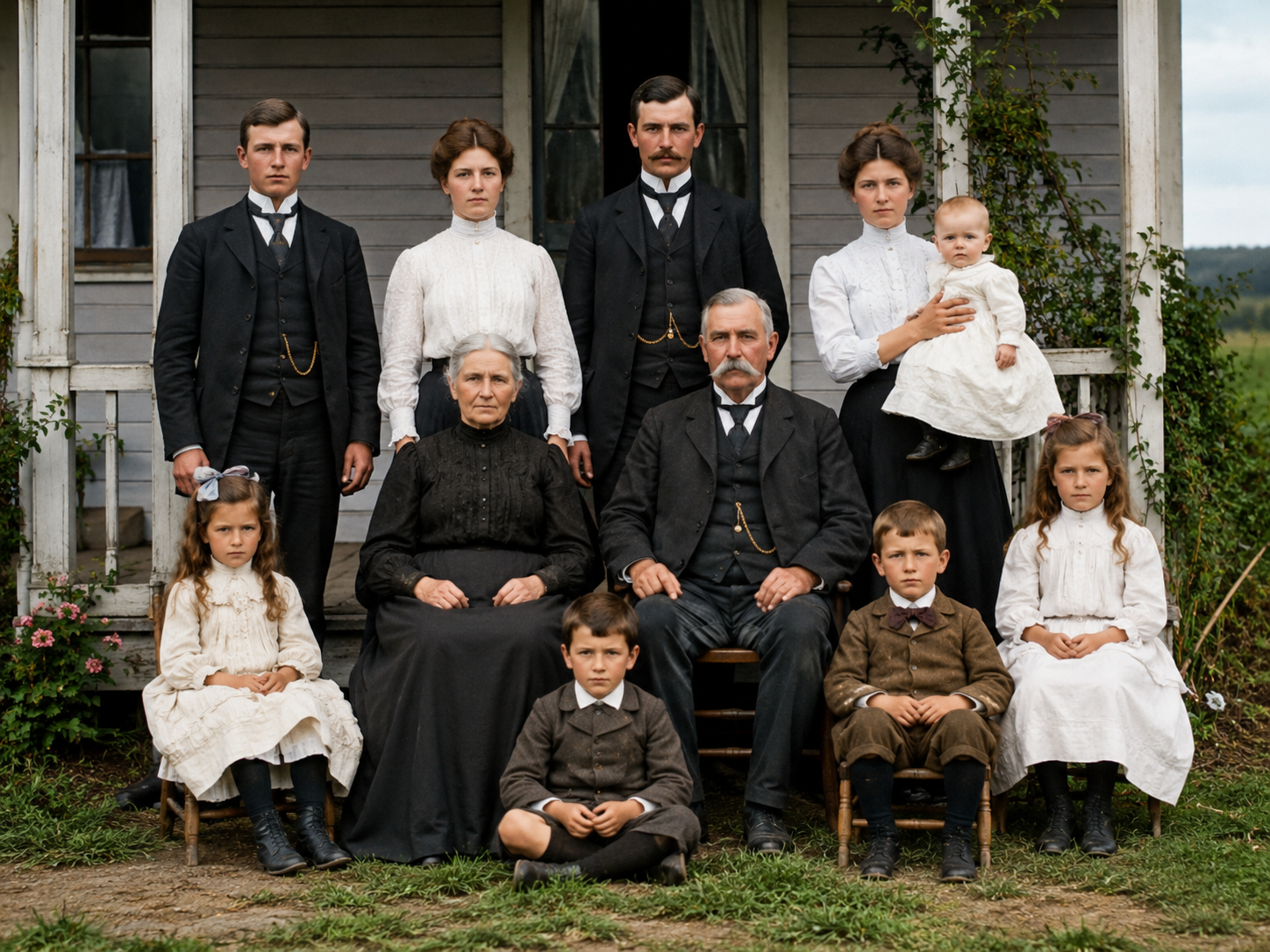
The restoration finishes. You're looking at a clean version of a photo you've had in a folder for years — your dad as a kid, your grandmother on the porch, the family at a wedding you weren't born for. The water stain is gone. The faces are sharper. The handwritten "Christmas '64" that used to cover the bottom corner is gone too. For ten seconds, it feels like something has been recovered.
Then you save the file. Maybe to your Downloads folder. Maybe back to your camera roll. Maybe you text it to your sister.
And then — if you stop here, like most people do — that's it. The restored photo enters the same vague cloud of "I have it somewhere" that the original print was already in. In two years you won't remember where it is. In ten years your sister won't either. In thirty years, when your daughter asks about the porch photo, the file will technically still exist on some old Google Photos account or in an old iCloud library you don't quite have access to anymore, but functionally it's gone.
This is the part of photo restoration almost nobody talks about. The restoration was the easy part. What happens next is where every family archive in history has either survived or quietly disintegrated. It's worth ten minutes of thought.
The honest framing
Restoration cleans the pixels. Preservation makes them mean something. They're two different jobs, and most people only do the first one. The photo that lasts thirty years is not the one with the cleanest pixels — it's the one your kids can actually find, with the story of who's in it attached, in a place that still exists when your current phone doesn't.
What you're actually doing, even if you didn't realize it
If you've been working on old family photos for any length of time, you're somewhere on a three-step arc whether you've named it that way or not. Most people stop after step two and assume they're done.
Step 1 — Digitize
Turn the physical print into a digital file. Phone scan, flatbed scanner, mail-in service, or a pro shop. The artifact moves from a box in a closet to a folder on a drive. (Our digitization guide covers the practical mechanics.)
Step 2 — Restore
Run AI restoration to clean up damage — fades, scratches, water staining, blur, handwritten annotations. The pixels improve. The damage history is gone. (Our tool roundup covers which tool for which photo.)
Step 3 — Preserve with context
Attach the names, the year, the place, the story of who's in the photo to the file itself. Put it somewhere designed to last past your current devices and accounts. This is the step most families skip. It's the step that actually makes the work worth it.
The thing nobody tells you about step three is that it's the cheapest, slowest, and most important. The other two steps are mechanical. You can buy your way through them in a weekend. Step three is where you sit down with the oldest living person in your family and ask, "who is this on the porch, and what year?" — and write down the answer in a place that won't disappear when their phone updates.
Why stopping at step two doesn't work
If you only digitize and restore, here's what your great-grandkids will inherit in 2056. They'll find a file called IMG_4729_restored_v2.jpg in some old archive they barely have access to. It will be a clean photo of someone whose name nobody remembers. The setting will be unidentifiable. The year will be a guess. The connection — this is your great-great-grandmother on the porch of the house in Saskatchewan in 1957, three months pregnant with the woman who became your grandmother — will be gone.
That isn't a hypothetical. It's what we inherit now from families that did everything right by the standards of their generation. The shoebox of unlabeled photos in your parents' closet — the one you don't know what to do with — exists because your great-grandparents never wrote down the names. They restored the prints, in their way (silver-gelatin care, archival sleeves, the careful album). They just didn't preserve the story. So the photos survived. The meaning didn't.
The fragile copy
A restored JPG in a Downloads folder, an iCloud library you don't fully control, a Google Photos account tied to an email address you'll someday lose. No names. No year. No story. Survives ten years, maybe fifteen. Doesn't survive a phone migration, an account suspension, or a death in the family.
The preserved memory
The same restored photo, but tagged with the name of who's in it, the year, the place, and a 30-second voice note from your mom telling you who took the photo. Lives in a private family archive your sister and your daughter can both access. Survives device changes, account changes, and your own eventual death — because the system was built for that.
The technical preservation isn't the hard part anymore. Storage is cheap. Cloud services are reliable. The hard part is the context — and the discipline of getting it down while you can.
The four things every restored photo needs
A restored photo without context is a beautiful object with no story attached. To actually preserve it, four things need to live with the file itself — not in your head, not in a sibling text thread, not in a label you wrote on the back of the original print fifty years ago.
Who's in it
Names, not pronouns. "My grandmother" becomes "Margaret Doe (née Smith), 1933–2019" — the kind of detail that lets a great-great-grandchild actually identify the person without doing genealogy archaeology.
When and where
The year, even approximate. The place, even approximate. "Saskatchewan, summer 1957" is enough for anyone in the future to anchor the photo to a moment in family history.
What was happening
One or two sentences. "Three months before my mom was born. They were renting the porch from Margaret's aunt." This is the part that turns a photo from an object into a story.
Whose voice tells it
If you can capture audio of the person who remembers — your mom, your aunt, the great-uncle who was there — do that. A 90-second voice note is the difference between "I think they lived in Saskatchewan?" and the actual memory, in the actual voice.
This sounds like a lot. In practice it's about three minutes of work per photo, and most of it is a one-time conversation with the oldest living person in your family. The first photo takes the longest because you're figuring out the workflow. By the tenth photo you're moving fast.
A place that outlasts the device you're using right now
If you've gotten this far, you already know the next question. Where?
The default answer most people give themselves is "I'll put it in Google Photos" or "I'll put it on my external drive." Both of those are versions of the same problem: they preserve the file but not the context, and they're tied to an account or a piece of hardware you don't fully control. Google Photos will outlast your current laptop, but it won't outlast your eventual death — the account dies with you unless someone has the password and enough time and energy to fight Google's inactive-account flow during the worst week of their life.
This is the gap Memory Murals was built for. We're a private family archive — not a social network, not a cloud storage service, not a one-off restoration tool. Photos, voice recordings, written stories, and the context that explains them all live in one place, organized so that your kids and grandkids can find what matters thirty years from now.
The way it works for restored photos specifically:
- Restore the photo inside Memory Murals (the photo restoration feature uses the same kind of model as the other tools on the market, but the restored copy lands automatically inside the family archive, not in a Downloads folder).
- The original scan is preserved automatically. Restored and original both live in the same place, with a clear before/after comparison whenever you want it.
- Tag the people in the photo from your existing family members list. The same people who appear in the porch photo also appear in the wedding photo, the Christmas photo, the school photo — and the system links them all by person, not just by date.
- Add the story. Either typed, or recorded as a voice note that gets transcribed automatically. The story lives with the photo. They are not two separate things you have to remember to keep together.
- Share with the family members who should see it. Your sister gets access. Your mom gets access. Your daughter gets access when she's old enough. People you don't want in your family archive — extended in-laws, your dad's third wife, the cousin nobody talks to — don't.
That's the whole pitch. Restoration is one piece of a longer project, and the project is what actually matters.
A reasonable Saturday plan
If you're newly motivated to do this work — maybe because a relative just died, maybe because you watched a TikTok about Deep Nostalgia, maybe because you just inherited a box of prints — here's the version of this work that fits in one Saturday afternoon.
- One photo, not fifty. Pick the single most important photo in your collection. The one that matters most to you, personally. Not the whole shoebox.
- Scan or photograph it. Phone scanner app or flatbed. Five minutes.
- Restore it. Use whichever tool you've already chosen — Remini's free tier is fine to start, or open the restoration feature in Memory Murals if you've already got a trial. Two minutes.
- Call the oldest person in your family who would know the photo. Ask them: who is this, when was it taken, what was happening. Record the call (with permission) or take notes. Twenty minutes.
- Tag and store. Put the restored photo + the original + the story + the audio into one place where it lives together. Memory Murals if you want the system to do this for you; a folder with a README.txt file inside it if you want to roll your own. Ten minutes.
You'll have done more for your family archive in a Saturday than most families do in a decade. The next Saturday, do the second photo. By summer you'll have a real archive of the things that actually matter.
Why this is worth caring about
We wrote a longer piece on what happens to your photos when you die — the case for why the cloud accounts most families use today will not pass cleanly to the next generation, and what a real archive should look like.
The short version is this: restoration is the easy part because computers are good at it. Preservation is the hard part because it requires sitting down with people you love, asking them to tell you things they assume you already know, and writing it all down somewhere that won't disappear. Tools can help with that last part — that's what we built — but the conversation is yours. Nobody else can do it for your family.
The restored photo is a postcard from the past. The story behind it is the archive. Make both.
Frequently asked questions
What should I do with a restored photo file once I've downloaded it? At minimum, save both the restored copy and the original scan to at least two places — one cloud backup and one local drive. Better than that, put both files into a system that also stores the names of the people in the photo, the year, the place, and the story behind it. The restored JPG by itself is incomplete; it needs context to actually preserve the memory.
How do I organize restored family photos for the long term? Three rules. (1) Keep the original scan, not just the restored copy. (2) Attach names, year, place, and story to the file itself — not in your head, not in a separate spreadsheet. (3) Put it somewhere designed to outlast your current device and your current email account. A dedicated family archive (like Memory Murals) is the cleanest path; a well-named folder structure with a README per folder is the DIY version.
Should I print restored photos? Yes, for a small number of the most important ones. Modern archival inkjet prints on acid-free paper, stored in proper sleeves, can last 100+ years. But don't rely only on prints — they're vulnerable to fire, flood, and the same basement that took your originals. Print as a backup to digital, not the other way around.
Do I need a special service to preserve restored photos, or can I just use Google Photos? Google Photos preserves the file well — that's not the problem. The problem is that it doesn't preserve the context (who's in the photo, what year, what the story is) in a way that's discoverable by your family later, and the account itself dies with you unless someone has your password and is willing to fight Google's inactive-account process. For most families, a dedicated archive is the right next step. For some, a careful folder structure plus written labels is enough.
Is it OK to delete the original scan once I have the restored version? No. Always keep both. Restoration is partly inference — the AI is guessing at what was there based on patterns it learned from other photos. For historically important family photos, archivists recommend keeping both the original scan and the restored copy so future generations can see the actual evidence as well as the cleaned-up version. Memory Murals does this automatically. On other tools, you have to remember to save both.
My family is scattered and not everyone uses the same apps. How do I share preserved photos with all of them? The honest answer is that family-archive tools work best when one person in the family takes the lead on uploads and tagging, and the rest of the family is just invited as viewers. You don't need everyone to learn a new app — you need one person to do the work, and a system where everyone else can just see the result without having to do anything. (This is also why social-media-style "everyone posts together" tools tend to fail for legacy archives — they require ongoing participation, which most families don't sustain.)
The closing beat
The porch photo of my grandmother is restored now. The water stain is gone. She looks twenty-four again, which she was when the photo was taken, even though she's been gone almost twenty years.
The restored JPG is the postcard. What it actually means — that she was three months pregnant with my mom, that the house was being rented from her aunt, that the dress she's wearing was the same one she wore to the dance where she met my grandfather — that part lives in my mom's voice, in a recording I made one Sunday afternoon with my phone.
The recording and the photo are kept together. So is the original scan, with the water stain still there. So are the photos of her wedding, her parents, the rest of the porch crew. So is the family tree of who they all became. All of it in one place. All of it tagged with the names, the year, the story. Built so that thirty years from now, my daughter can find it and know.
That's the archive. That's the part that lasts.
Ready to keep the restored photo somewhere it'll actually matter? Start a 7-day free trial of Memory Murals → — a private family archive that restores the photo and preserves the story behind it.
Related Stories
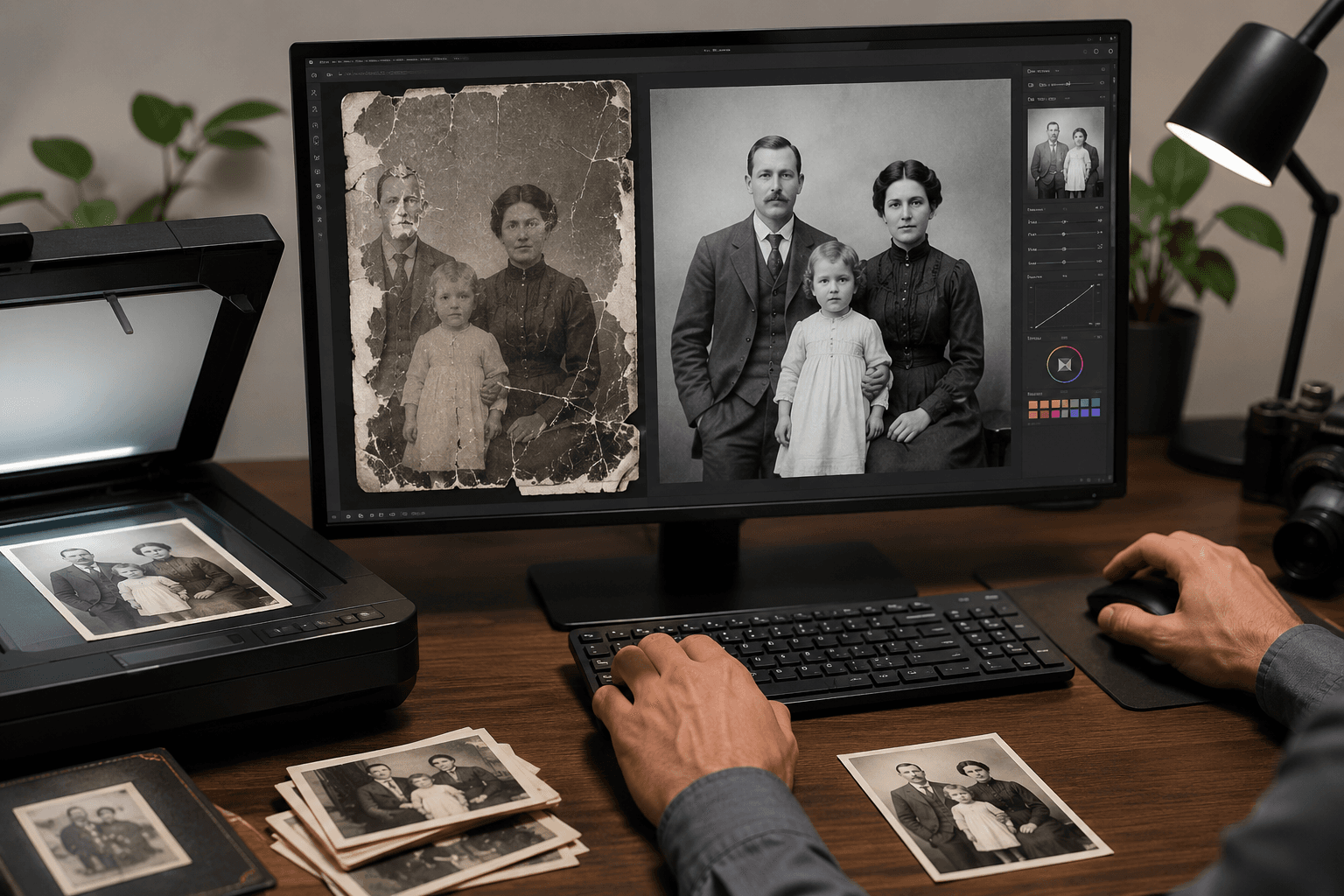
Best AI Photo Restoration Tools for Family Photos (2026 Honest Review)
Seven AI photo restoration tools, ranked honestly for family photos — the kind that have water stains, missing emulsion, and a great-grandmother nobody alive can name. What each tool actually fixes, what it leaves alone, and what comes after the fix.
The Memory Murals Team • May 21, 2026
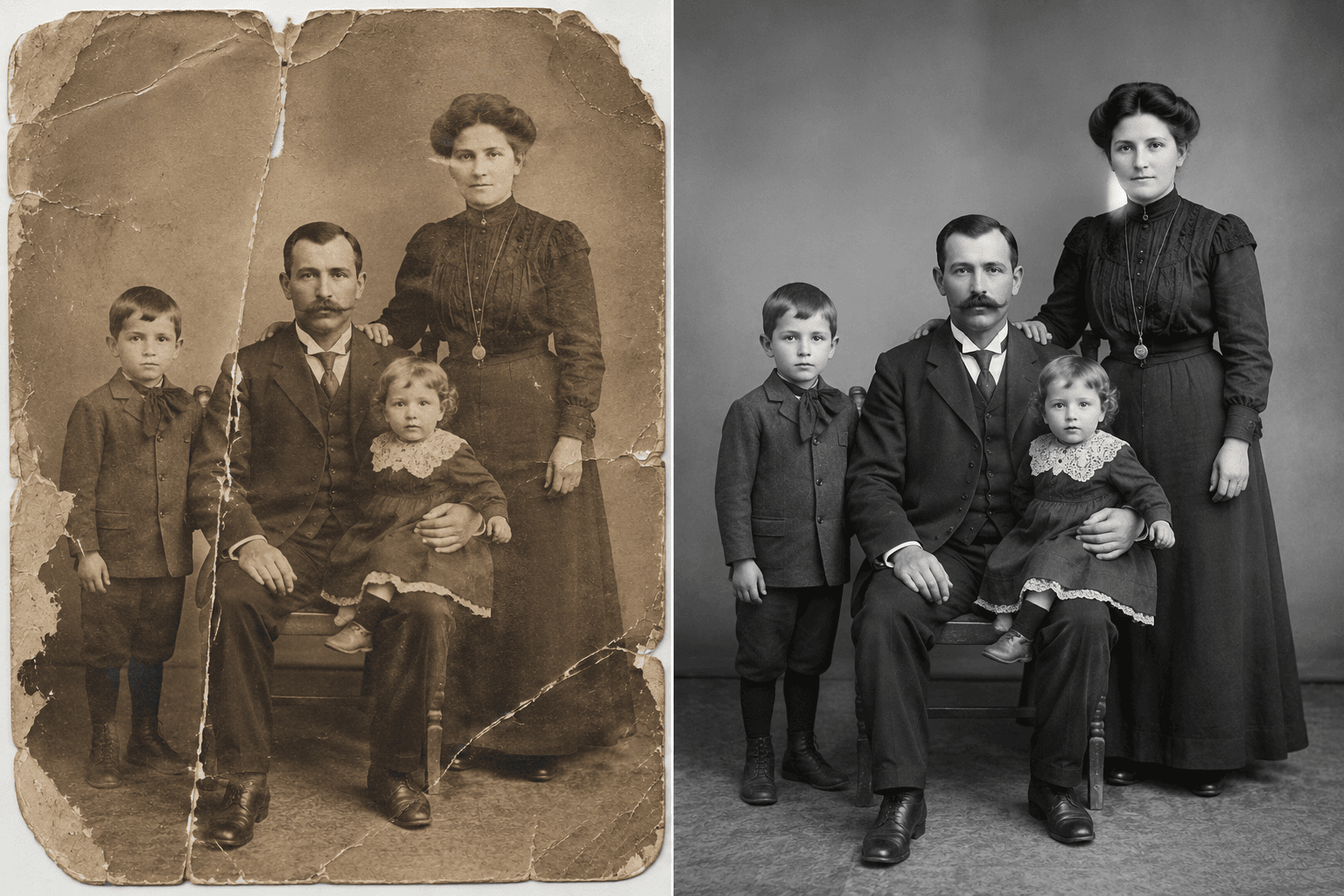
How to Restore Old Photos With AI (Free + Paid Walkthrough, 2026)
A four-step walkthrough for restoring old family photos with AI in 2026 — including the free path (Remini, Hotpot, Magic Memory) and the preservation-grade paid path (Memory Murals). The shortest possible workflow from shoebox to restored archive.
The Memory Murals Team • May 20, 2026
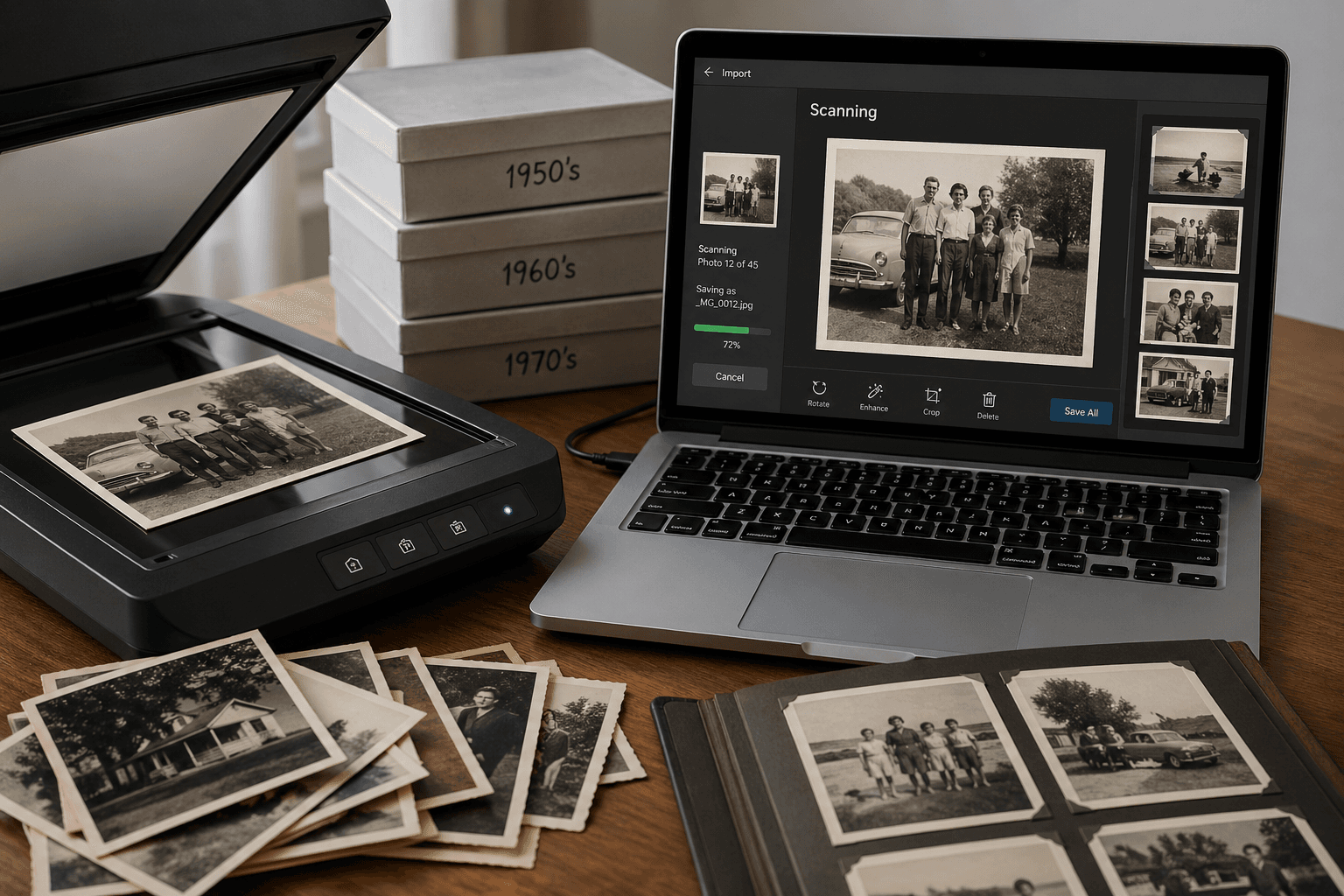
How to Digitize Old Photos at Home in 2026 (No Scanner Required)
A practical, no-fluff guide to turning a shoebox of old family photos into a digital archive — using just your phone, a flatbed scanner, or a mail-in service. Real tradeoffs, no jargon.
The Memory Murals Team • April 28, 2026