
Best Services to Digitize Old Family Photos (2026)
When you have a thousand photos and zero free weekends, paying a service makes sense. But 'per item' isn't 'per photo,' turnaround ranges from a week to three months, and almost nobody tells you what happens to your files. Here's the honest comparison.
The Memory Murals Team • May 27, 2026
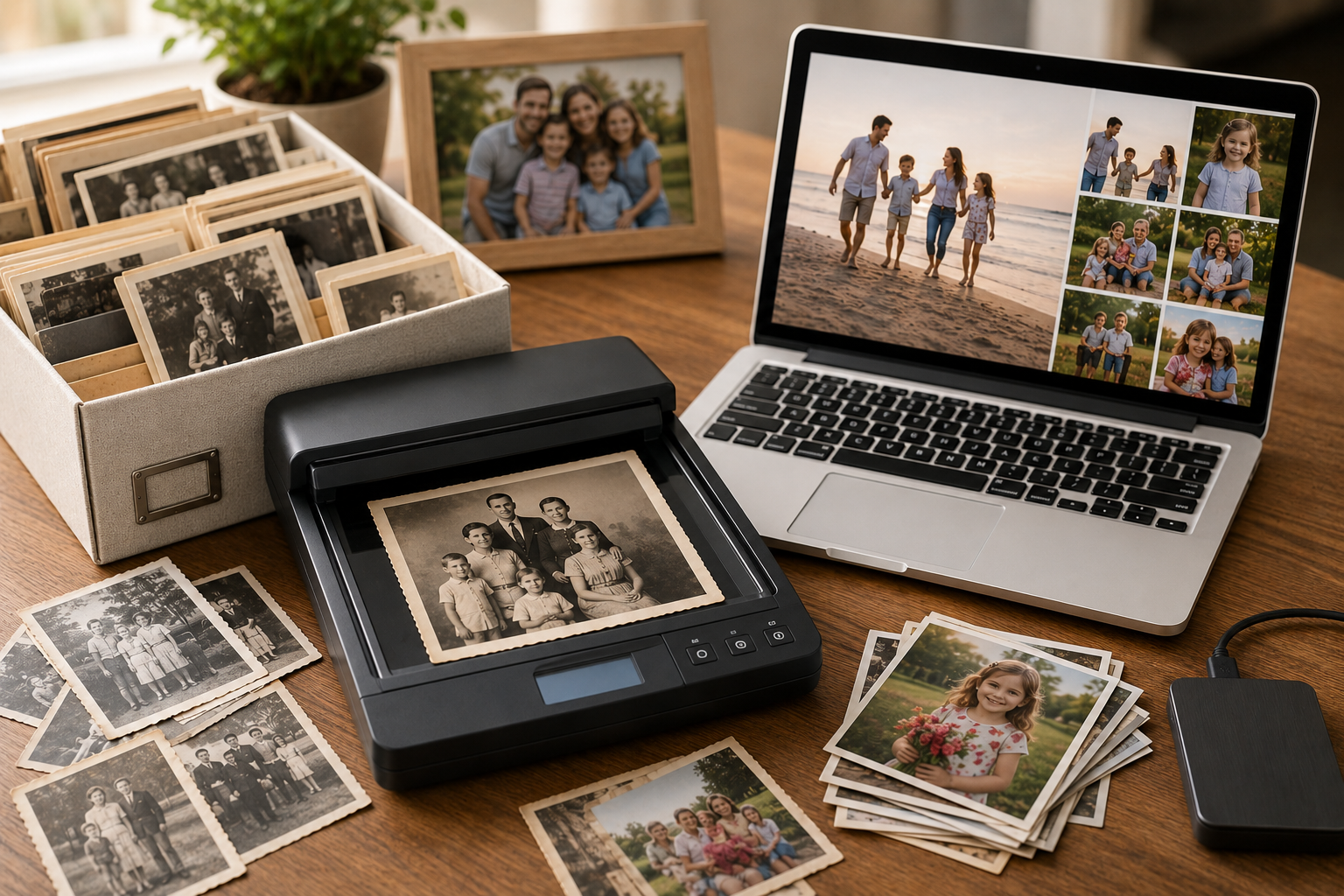
There's a moment in every family photo project where the math stops working. You've got six shoeboxes, a drawer of slides, a stack of VHS tapes, and a realistic supply of free weekends that rounds to zero. That's when a mail-in digitizing service goes from "lazy" to "obviously correct" — you ship the box, someone else does the tedious part, and the memories come back as files.
The catch is that this category is full of quiet traps. "Per item" is not "per photo." Turnaround ranges from about a week to roughly three months. And almost no one tells you what actually happens to your files — where they're stored, for how long, and who can see them. Most "best photo scanning service" roundups are affiliate posts steering you to whoever pays the highest commission. This one isn't. Below is an honest, vendor-neutral comparison, including the one thing nobody else scores: how each service handles your originals and your data.
If you're not sure you want to pay at all, the prior question — DIY vs. done-for-you — is worth answering first. Our guide to digitizing old photos at home covers the phone-and-free-app route; this post is the deep dive for when you'd rather mail it off.
The 30-second answer
Cheapest bulk photo scanning: ScanMyPhotos (~$0.09/photo). Fastest: iMemories (about a week). Widest range of old media in one box: Legacybox or Kodak (tapes, film, slides, audio). Hands-on with fragile originals / local drop-off: EverPresent. Pay only for the scans you keep: ScanCafe. There's no universal "best" — match it to what's actually in your boxes.
On the prices below
All prices were verified in May 2026. These services run near-constant promotions and change pricing often, so treat the figures as a current snapshot and confirm the live price (and turnaround) before you order.
The six things that actually matter
Most roundups compare on price alone. Price is the least reliable axis in this category because the pricing models aren't comparable. Here's the full rubric:
1. Pricing model (the big trap)
Per-photo (ScanMyPhotos, iMemories, EverPresent) vs. per-item box tiers (Legacybox, Kodak). A box "item" can be a whole tape or a group of photos — great for mixed media, misleading for a pure photo job.
2. Turnaround time
The biggest real-world differentiator — from ~1 week (iMemories) to 8–12 weeks (commonly reported for Legacybox). Always add round-trip shipping.
3. What they accept
Photos only, or also slides, negatives, film reels, VHS/camcorder tapes, and audio. Mixed-media collections favor the box services.
4. Output quality
300 DPI (viewing/standard) vs. 600 DPI (archival). Confirm the resolution included in the base price.
5. Data handling & privacy
Where do your scans live, and for how long? Several cloud copies are free for only 30–60 days before an upsell, and some services process overseas. This is the column nobody else scores.
6. Delivery & originals
USB, DVD, or cloud download — and whether your irreplaceable originals come back (the reputable ones return them, with tracking).
ScanMyPhotos — cheapest for bulk photos
The value leader for pure photo jobs. Pricing starts around $0.09 per photo, with a popular prepaid box of 250 photos for $55. They offer a same-day "Xpress ScanFast" option if you're in a hurry, accept slides, negatives, and some film, and return your originals.
Unbeatable bulk price
~$0.09/photo is the lowest credible per-photo rate in the category.
Fast option exists
Same-day Xpress scanning for rush jobs.
Photos-first
Best for prints and slides; not the widest media range for tapes/film.
iMemories — the fastest
The speed pick. iMemories advertises about one week to digitize once they receive your box and you approve the order. Photos run about $0.49 each (with a promo code), videotapes and film around $14.99 per tape / 50 ft. You get a free digital download of the masters; their cloud is an optional $7.99/month or $49.99/year, with USB from $19.99.
Genuinely fast
~1 week turnaround is the best in this comparison.
Online review/approve flow
You approve your order before final delivery.
Cloud is a subscription
The slick cloud app is an ongoing fee; the free option is the plain download.
Legacybox — widest media range in one box
The best-known name, and the right call when you have a mix of old formats. Box tiers run $69.98 (2 items) / $319.98 (10) / $639.98 (20) / $1,249.98 (40), and it accepts just about everything — VHS, Hi8, MiniDV, Betamax, film reels, slides, negatives, prints, and audio. Originals are returned; the cloud copy is free for 30 days, then an upsell.
Accepts the most formats
One box for tapes, film, slides, photos, and audio together.
Turnaround is the weak spot
Not published; third-party reviews commonly report 8–12 weeks.
Item pricing, not per-photo
Great for mixed media; expensive and confusing for photos only.
Kodak Digitizing — brand trust + wide media
Operationally similar to Legacybox (it's a licensed-brand box service) with clearer turnaround. Tiers run $299.99 (10 items) / $599.99 (20) / $1,199.99 (40), turnaround is quoted at about 4–6 weeks, it accepts the full range of tapes, film, slides, and photos, and delivers via USB, DVD, or download with originals returned.
Published 4–6 week turnaround
More predictable than Legacybox's unstated timeline.
Trusted brand + wide media
Reassuring for first-timers shipping irreplaceable items.
Box-tier pricing
Same per-item model; not ideal for photos-only jobs.
EverPresent — hands-on, local, fragile-friendly
The premium, white-glove option. Photos are $0.98 each (first 200, then $0.68), with a $50 service fee per order. What you're paying for is care and access: local store drop-off, mail-in with free labels, even home pickup, plus careful handling of fragile and oversized items. Files land in their app with 60 days of storage; USB is $19.99.
Hands-on and local
Drop-off, pickup, and human handling of delicate originals.
Premium pricing + service fee
The most expensive per-photo option here, plus a $50 order fee.
ScanCafe — pay only for the scans you keep
The bulk-budget option with a distinctive model: you can preview and reject a portion of your scans before paying, so you're not charged for the duds. The trade-off is turnaround — ScanCafe has historically processed overseas, which means longer waits. (We couldn't verify its current rate card live for this update, so confirm pricing directly before ordering.)
Don't pay for bad scans
The review-and-reject model suits large, uneven collections.
Slower turnaround
Overseas processing historically means longer waits than domestic services.
The comparison at a glance
| Service | Pricing (verified May 2026) | Turnaround | Best for |
|---|---|---|---|
| ScanMyPhotos | From ~$0.09/photo; 250 for $55 | Same-day Xpress option | Cheapest bulk photo scanning |
| iMemories | ~$0.49/photo; ~$14.99/tape (promo) | ~1 week | Speed + a polished cloud app |
| Legacybox | $69.98–$1,249.98 (2–40 items) | Not published (reviews: 8–12 wks) | Widest range of media in one box |
| Kodak Digitizing | $299.99–$1,199.99 (10–40 items) | ~4–6 weeks | Brand trust + wide media, clearer ETA |
| EverPresent | $0.68–$0.98/photo + $50 fee | Quote-based | Hands-on, local, fragile originals |
| ScanCafe | Per-photo, review-before-pay | Longer (overseas) | Large jobs, pay only for keepers |
ScanMyPhotos
- Pricing (verified May 2026)From ~$0.09/photo; 250 for $55
- TurnaroundSame-day Xpress option
- Best forCheapest bulk photo scanning
iMemories
- Pricing (verified May 2026)~$0.49/photo; ~$14.99/tape (promo)
- Turnaround~1 week
- Best forSpeed + a polished cloud app
Legacybox
- Pricing (verified May 2026)$69.98–$1,249.98 (2–40 items)
- TurnaroundNot published (reviews: 8–12 wks)
- Best forWidest range of media in one box
Kodak Digitizing
- Pricing (verified May 2026)$299.99–$1,199.99 (10–40 items)
- Turnaround~4–6 weeks
- Best forBrand trust + wide media, clearer ETA
EverPresent
- Pricing (verified May 2026)$0.68–$0.98/photo + $50 fee
- TurnaroundQuote-based
- Best forHands-on, local, fragile originals
ScanCafe
- Pricing (verified May 2026)Per-photo, review-before-pay
- TurnaroundLonger (overseas)
- Best forLarge jobs, pay only for keepers
If your boxes are mostly tapes and film rather than prints, the calculus shifts — that's a different conversion project with its own gotchas, covered in what to do with old VHS tapes before they die.
What actually happens to your files
Here's the question the affiliate roundups skip: once a stranger has scanned your family's most personal photos, where do those files live, and who can reach them?
A few patterns worth knowing. Several services give you a cloud copy that's free for only 30–60 days (Legacybox: 30; EverPresent: 60) before it becomes a paid subscription — so the "free cloud" is really a trial. Some services process overseas, which extends both turnaround and the chain of custody for your originals. And the convenient app where your memories land is, in most cases, another account that can lapse, get repriced, or shut down.
Two safeguards before you ship
1. Scan the irreplaceable few yourself. For the handful of truly unrepeatable photos (a deceased parent's only baby picture), scan those at home so they never leave the house. Mail the bulk. 2. Get a permanent copy out. Whatever service you use, download the full-resolution masters and move them somewhere you control — don't let the only copy live in a 60-day trial cloud.
That last point is the real finish line. Getting your photos scanned is the easy 80%; giving them a permanent, private, organized home — with the stories attached — is the part that determines whether your family actually benefits in thirty years.
Who should pick which
ScanMyPhotos if it's mostly photos and budget is the constraint. iMemories if you want it back fast and don't mind a subscription cloud. Legacybox or Kodak if you've got a mix of tapes, film, slides, and prints to do in one shipment — Kodak if a predictable timeline matters, Legacybox for the very widest format support. EverPresent if your originals are fragile or you want a local human in the loop. ScanCafe for big, uneven collections where paying only for the keepers wins. Whichever you choose: confirm the live price and turnaround, insure the shipment, and pull a permanent master copy out of their cloud the moment it's ready.
Once the files are back, the project isn't done — it's half done. Organize them so they're findable (here's the system), and if any prints came back faded or damaged, the best AI photo restoration tools can repair what the scan captured. Then do the part no scanner can: save the stories behind them.
Got your scans back? Give them a home that keeps the stories, not just the pixels. Try Memory Murals free → — a private family archive where every photo can carry the voice and the story behind it.
Frequently asked questions
How much does it cost to digitize old photos with a service?
It depends on the pricing model. Per-photo services run roughly $0.09–$0.98 per photo (ScanMyPhotos is cheapest in bulk at about $0.09; iMemories around $0.49 with a promo; EverPresent is premium at $0.68–$0.98 plus a $50 service fee). Box-tier services like Legacybox and Kodak charge by 'item' instead — roughly $300–$640 for a 10–20 item box — which is great value for mixed media but confusing for a pure photo job. Always check whether you're paying per photo or per item before you buy.
What is the best photo scanning service in 2026?
There's no single winner — it depends on your job. For the cheapest bulk photo scanning, ScanMyPhotos (~$0.09/photo). For speed, iMemories (about a week). For the widest range of old media in one box (tapes, film, slides, audio), Legacybox or Kodak. For hands-on care with fragile originals and local drop-off, EverPresent. For a big budget job where you only want to pay for the scans you keep, ScanCafe. Match the service to what you actually have.
Is Legacybox worth it, or are there better alternatives?
Legacybox is worth it for mixed-media boxes — when you have tapes, film, slides, and photos to do all at once — because the item-based box pricing covers everything in one shipment and it accepts the widest range of formats. For photos only, per-photo services (ScanMyPhotos, iMemories) are usually cheaper and faster. Legacybox's main trade-off is turnaround: it doesn't publish processing times, and third-party reviews commonly report waits of two to three months.
How long does mail-in photo digitizing take?
It ranges widely. iMemories advertises about one week after they receive and you approve your order. Kodak Digitizing quotes roughly 4–6 weeks. Legacybox doesn't publish a turnaround and reviews frequently report 8–12 weeks. ScanMyPhotos offers a same-day 'Xpress' option for an extra fee. Always add shipping time both ways, and check the current published turnaround before sending irreplaceable originals.
Are mail-in photo scanning services safe — could my photos get lost or seen?
The reputable services return your originals and ship with tracking, but you are mailing irreplaceable items, so the risk is never zero. Two things to check: shipping insurance/tracking, and data handling — where your scans live and for how long. Several services give you a cloud copy that's only free for 30–60 days before an upsell, and some (like ScanCafe) process overseas. For your most irreplaceable photos, consider scanning those few at home and mailing the rest.
What DPI or resolution should digitized photos be?
300 DPI is the practical floor for viewing and original-size prints; 600 DPI is the archival sweet spot that lets you crop and enlarge. Many services scan at 300 by default and charge more for 600 — confirm the resolution included in the price, because a cheap scan at low resolution is a false economy for photos you might want to print large later.
Should I scan photos myself or pay a service?
Do it yourself if you have a few hundred photos, some patience, and want full control and privacy — a phone and a free app get you most of the way (see our home digitizing guide). Pay a service if you have 1,000+ items, mixed media like tapes and film, or simply no free weekends. Many families do both: scan the few irreplaceable heirlooms at home, and mail the bulk.
What do I do with the digital files once I get them back?
Don't let them die in a 'Scans' folder. Organize them so they're searchable, back them up in at least two places, and — most importantly — capture the stories behind the keepers while the people who remember them still can. A private family archive like Memory Murals lets the photo live alongside the recorded voice and context that explain it, which is the part a scanner can never recover.
Related Stories
How to Digitize Old Photos at Home in 2026 (No Scanner Required)
A practical, no-fluff guide to turning a shoebox of old family photos into a digital archive — using just your phone, a flatbed scanner, or a mail-in service. Real tradeoffs, no jargon.
The Memory Murals Team • April 28, 2026
What to Do With Old VHS Tapes Before They Die: A Family's Guide to Saving the Footage Inside
Your VHS tapes are on a clock. Magnetic tape decays, VCRs are nearly extinct in 2026, and the home movies inside those plastic shells are quietly running out of time. Here's the honest guide to digitizing them — and what to do once you have a hard drive full of unlabeled MP4s.
The Memory Murals Team • May 3, 2026
How to Organize Family Photos: A Real System for Decades of Chaos (2026)
You have a shoebox of prints nobody labeled and 47,000 photos on your phone you can't find anything in. Here's the step-by-step system for turning both into one organized, searchable archive — without quitting your job to do it.
The Memory Murals Team • May 27, 2026